

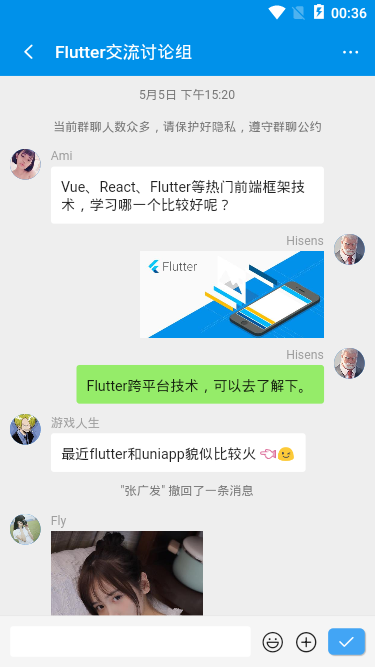
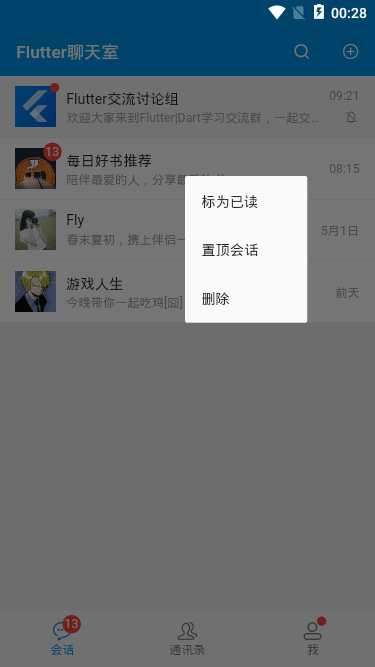
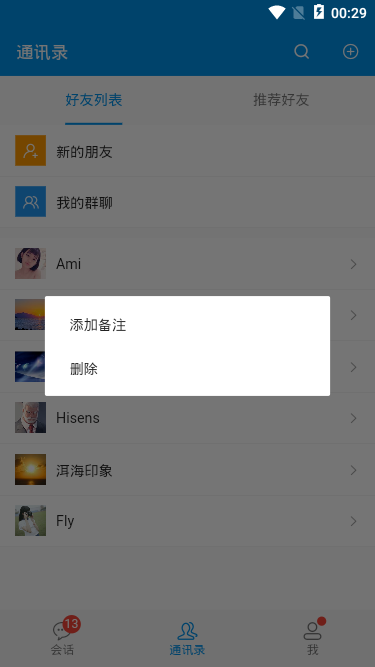
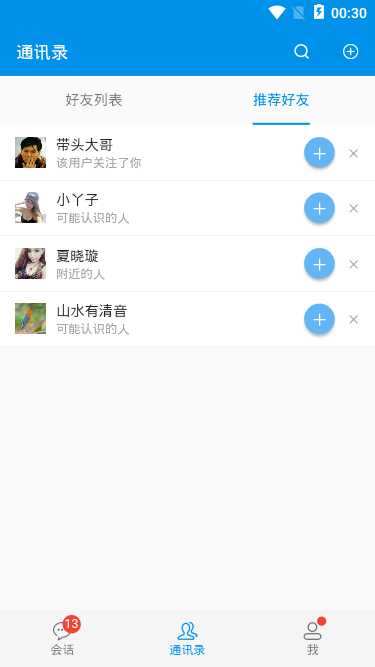
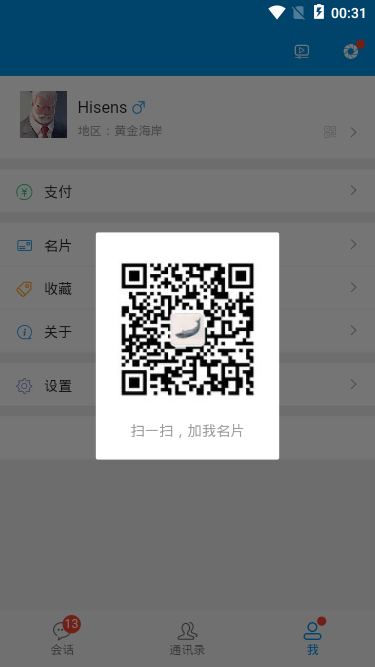
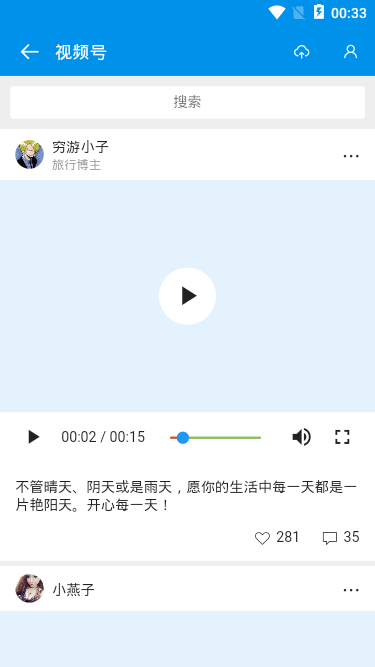
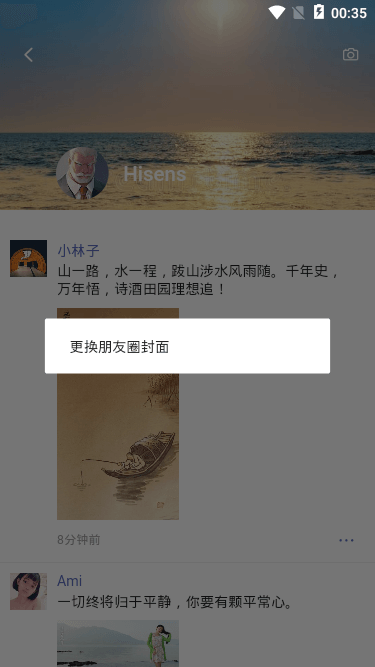
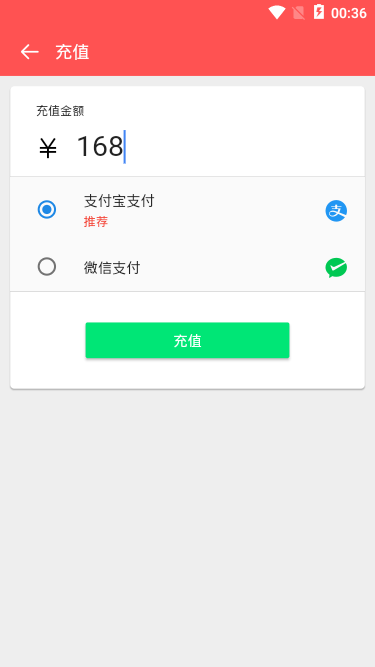
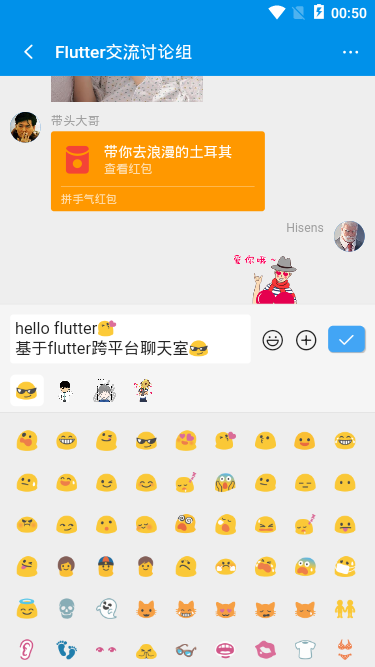
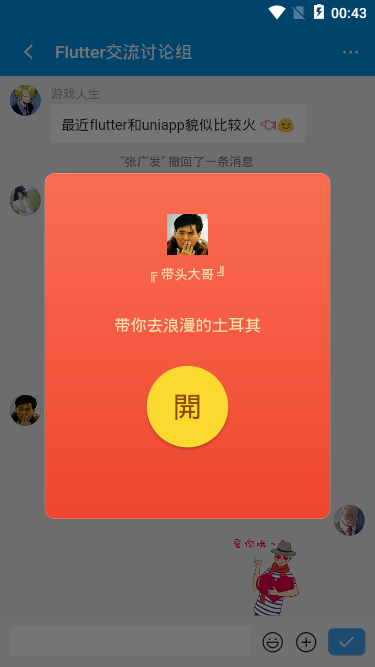
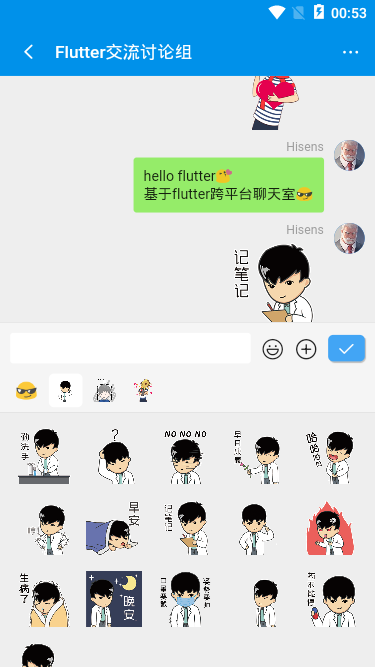
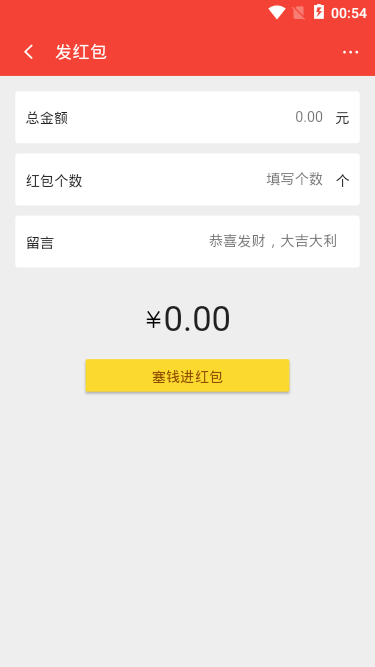
FlutterChatroom聊天实例项目是基于flutter跨平台技术开发的仿制微信界面聊天实例。运用flutter+dart+chewie+image_picker等技术开发。实现了消息+表情、图片预览、红包/视频/朋友圈等功能。
技术栈
- 使用技术:Flutter 1.12.13/Dart 2.7.0
- 视频组件:chewie: ^0.9.7
- 图片/拍照:image_picker: ^0.6.6+1
- 图片预览组件:photo_view: ^0.9.2
- 弹窗组件:showModalBottomSheet/AlertDialog/SnackBar
- 本地存储:shared_preferences: ^0.5.7+1
- 字体图标:阿里iconfont字体图标库
Flutter入口main.dart页面
/**
 * @tpl Flutter入口页面 | Q:282310962
 */

import 'package:flutter/material.dart';

// 引入公共样式
import 'styles/common.dart';

// 引入底部Tabbar页面导航
import 'components/tabbar.dart';

// 引入地址路由
import 'router/routes.dart';

void main() => runApp(MyApp());

class MyApp extends StatelessWidget {
  @override
  Widget build(BuildContext context) {
    return MaterialApp(
      title: 'Flutter App',
      debugShowCheckedModeBanner: false,
      theme: ThemeData(
        primaryColor: GStyle.appbarColor,
      ),
      home: TabBarPage(),
      onGenerateRoute: onGenerateRoute,
    );
  }
}

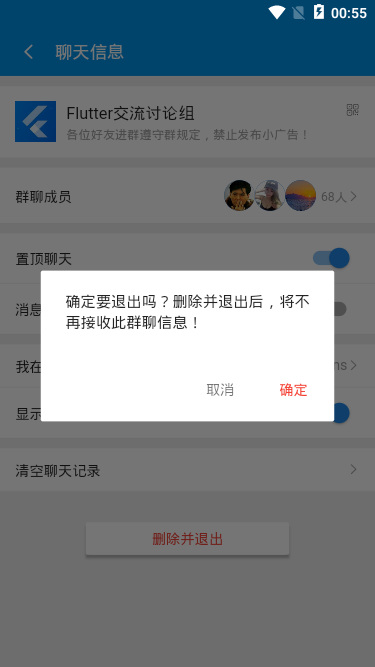
由于flutter基于dart语言进行页面开发,需要先配置开发环境,可以去官网查阅资料
另外如果是使用vscode编辑器开发页面,可先安装Dart 、Flutter 、Flutter widget snippets等扩展插件
flutter透明状态栏+tabbar底部导航
flutter中如何实现顶部全背景沉浸式透明状态栏(去掉状态栏黑色半透明背景),去掉右上角banner,可以去看这篇文章
Flutter沉浸式状态栏/AppBar导航栏/仿咸鱼底部凸起导航
flutter图标组件Icon及自定义图标
flutter系统图标组件: Icon(Icons.search)
flutter自定义图标组件是通过IconData实现: Icon(IconData(0xe60e, fontFamily:'iconfont'), size:24.0)
如果是自定义图标,需要先下载图标库字体文件,然后在pubspec.yaml中引入字体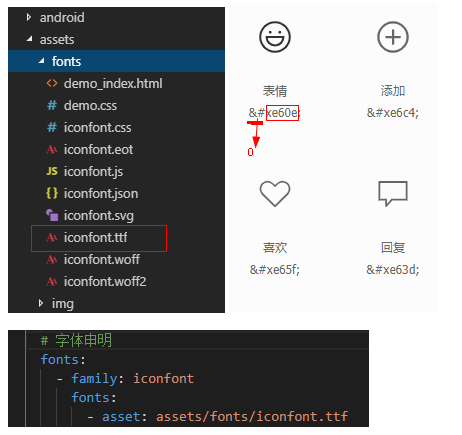
GStyle.iconfont(0xe635, color: Colors.orange, size: 17.0)
class GStyle {
    static iconfont(int codePoint, {double size = 16.0, Color color}) {
        return Icon(
            IconData(codePoint, fontFamily: 'iconfont', matchTextDirection: true),
            size: size,
            color: color,
        );
    }
}
flutter中实现未读消息圆点/红点提示
在 flutter 中没有提供如下红点提示组件,只能封装实现。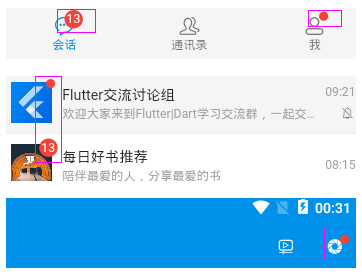
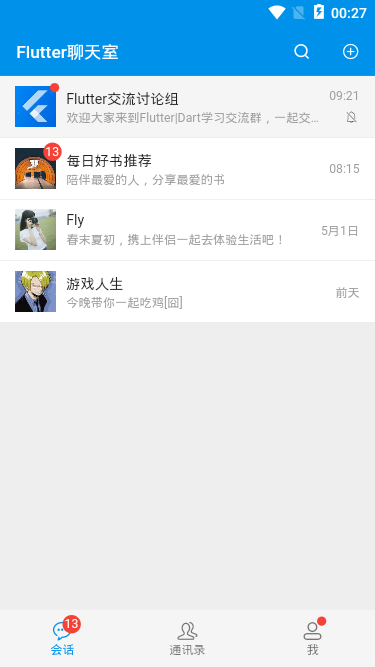
GStyle.badge(0, isdot:true)GStyle.badge(13)GStyle.badge(29, color: Colors.orange, height: 15.0, width: 15.0)
class GStyle {
    static badge(int count, {Color color = Colors.red, bool isdot = false, double height = 18.0, double width = 18.0}) {
        final _num = count > 99 ? '···' : count;
        return Container(
            alignment: Alignment.center, height: !isdot ? height : height/2, width: !isdot ? width : width/2,
            decoration: BoxDecoration(color: color, borderRadius: BorderRadius.circular(100.0)),
            child: !isdot ? Text('$_num', style: TextStyle(color: Colors.white, fontSize: 12.0)) : null
        );
    }
}
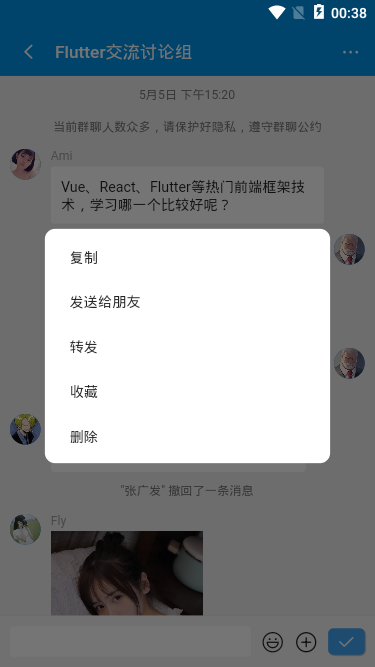
flutter实现长按菜单效果
在flutter中如何实现长按,并在长按位置弹出菜单,类似微信消息长按弹窗效果
通过InkWell组件提供的onTapDown事件获取坐标点实现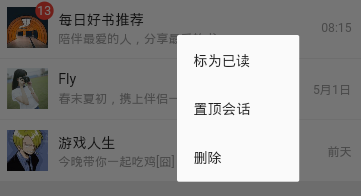
InkWell(
    splashColor: Colors.grey[200],
    child: Container(...),
    onTapDown: (TapDownDetails details) {
        _globalPositionX = details.globalPosition.dx;
        _globalPositionY = details.globalPosition.dy;
    },
    onLongPress: () {
        _showPopupMenu(context);
    },
),
// 长按弹窗
double _globalPositionX = 0.0; //长按位置的横坐标
double _globalPositionY = 0.0; //长按位置的纵坐标
void _showPopupMenu(BuildContext context) {
bool isLeft = _globalPositionX > MediaQuery.of(context).size.width/2 ? false : true;
bool isTop = _globalPositionY > MediaQuery.of(context).size.height/2 ? false : true;
showDialog(
context: context,
builder: (context) {
return Stack(
children: <Widget>[
Positioned(
top: isTop ? _globalPositionY : _globalPositionY - 200.0,
left: isLeft ? _globalPositionX : _globalPositionX - 120.0,
width: 120.0,
child: Material(
...
),
)
],
);
}
);
}flutter文本框操作
flutter提供了两个文本框组件:TextField 和 TextFormField
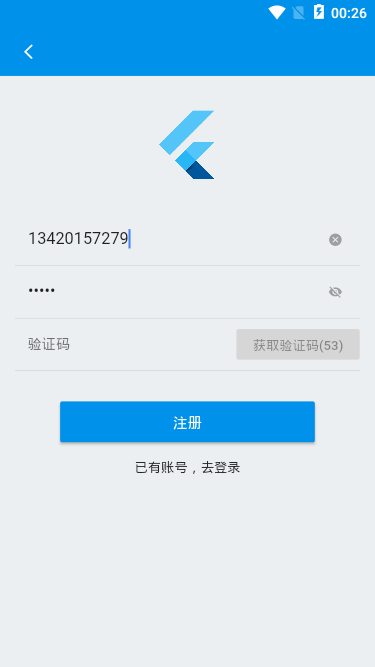
在文本框前面和后面均可添加图标,通过suffixIcon属性可为文本框添加清空按钮;
TextField(
  keyboardType: TextInputType.phone,
  controller: TextEditingController.fromValue(TextEditingValue(
    text: formObj['tel'],
    selection: new TextSelection.fromPosition(TextPosition(affinity: TextAffinity.downstream, offset: formObj['tel'].length))
  )),
  decoration: InputDecoration(
    isDense: true,
    hintStyle: TextStyle(fontSize: 14.0),
    suffixIcon: Visibility(
      visible: formObj['tel'].isNotEmpty,
      child: InkWell(
        child: GStyle.iconfont(0xe69f, color: Colors.grey, size: 14.0), onTap: () {
          setState(() { formObj['tel'] = ''; });
        }
      ),
    ),
    border: OutlineInputBorder(borderSide: BorderSide.none)
  ),
  onChanged: (val) {
    setState(() { formObj['tel'] = val; });
  },
)

TextField(
  decoration: InputDecoration(
    isDense: true,
    hintStyle: TextStyle(fontSize: 14.0),
    suffixIcon: InkWell(
      child: Icon(formObj['isObscureText'] ? Icons.visibility_off : Icons.visibility, color: Colors.grey, size: 14.0),
      onTap: () {
        setState(() {
          formObj['isObscureText'] = !formObj['isObscureText'];
        });
      },
    ),
    border: OutlineInputBorder(borderSide: BorderSide.none)
  ),
  obscureText: formObj['isObscureText'],
  onChanged: (val) {
    setState(() { formObj['pwd'] = val; });
  },
)
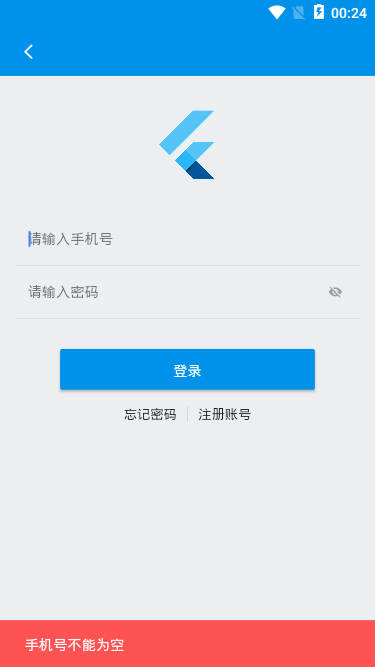
另外消息提示是通过flutter提供的SnackBar组件实现;
// SnackBar提示
final _scaffoldkey = new GlobalKey<ScaffoldState>();
void _snackbar(String title, {Color color}) {
    _scaffoldkey.currentState.showSnackBar(SnackBar(
      backgroundColor: color ?? Colors.redAccent,
      content: Text(title),
      duration: Duration(seconds: 1),
    ));
}
好了,flutter+dart开发仿微信界面聊天室就介绍到这里,希望能有些帮助!!
最后分享两个实例项目
electron+vue聊天室|electron-vue仿微信界面
uniapp+nvue仿抖音/陌陌直播|uni-app小视频

0条评论