

vue3-wchat聊天室 基于
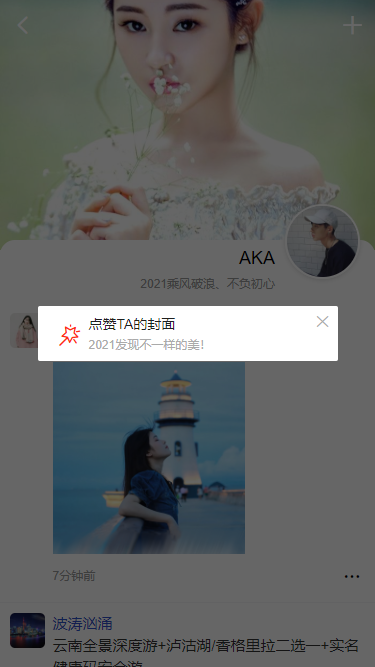
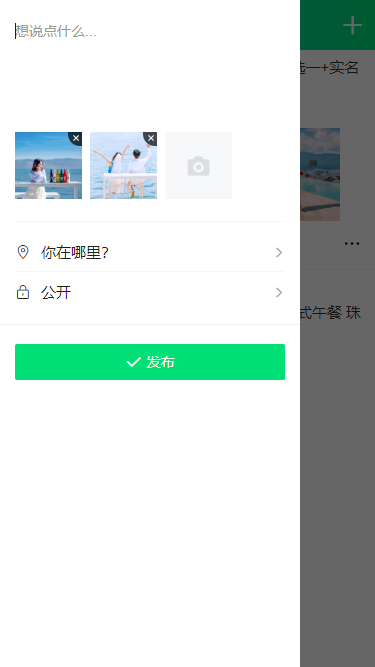
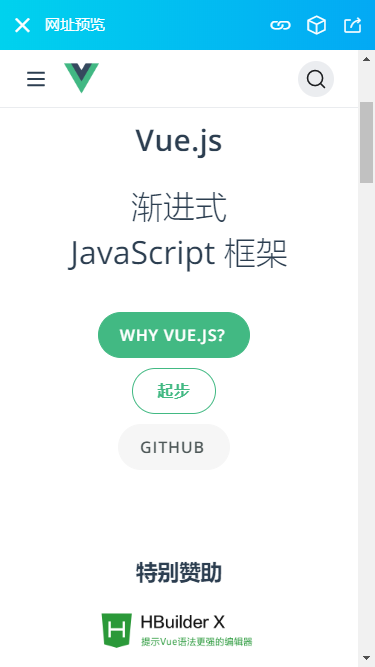
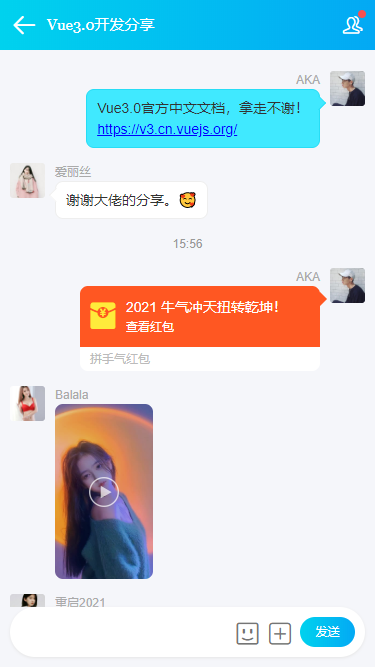
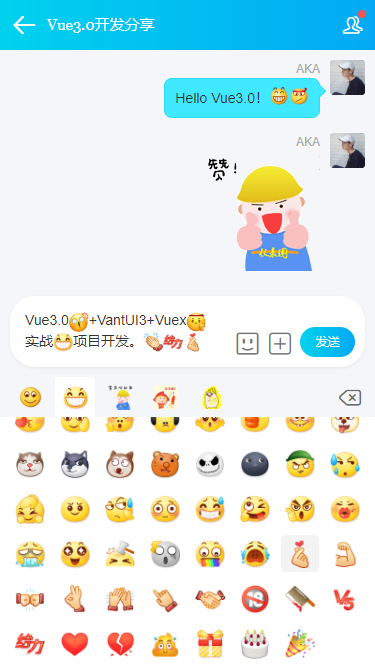
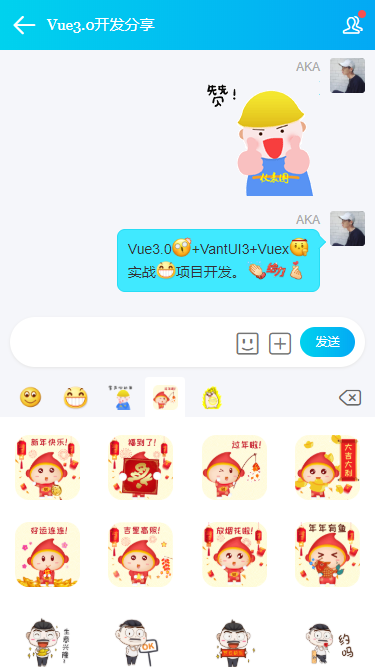
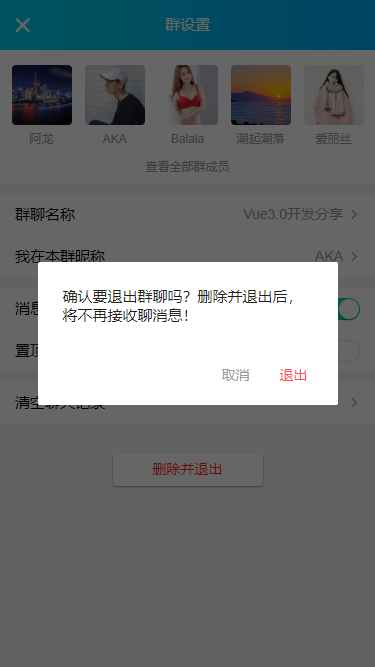
Vue3.x技术开发的手机端仿微信界面聊天实例。使用vue3.0+vant3.x+vue-router@4+vuex4等技术搭建开发实现发送图文消息、图片/视频预览、位置查看、红包+朋友圈等功能。

运用技术
- 编码器:vscode
- 技术框架:vue3.0.0
- 状态管理:vuex ^4.0.0-rc.2
- 地址路由:vue-router ^4.0.2
- UI组件库:vant ^3.0.1 (有赞移动端vue3.0组件库)
- 弹层组件:v3popup ^1.0,0(基于vue3自定义弹窗组件)
- 图标库:阿里iconfont字体图标
- 自定义顶部headerBar+tabBar组件
项目结构
采用vue3标准的项目结构性分层目录结构。
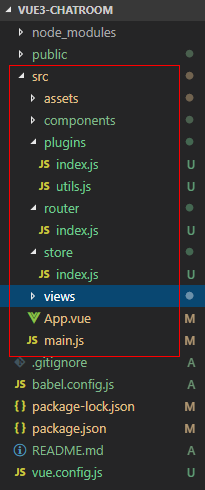


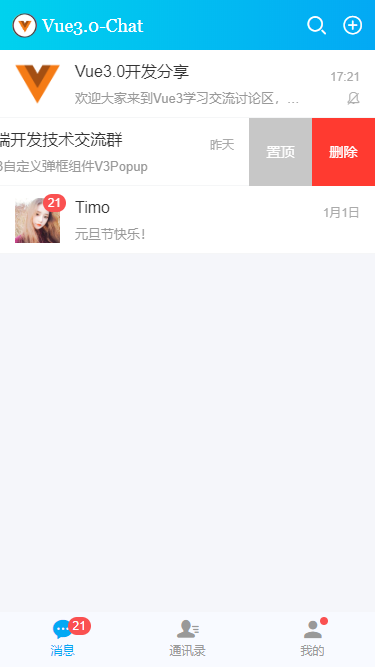
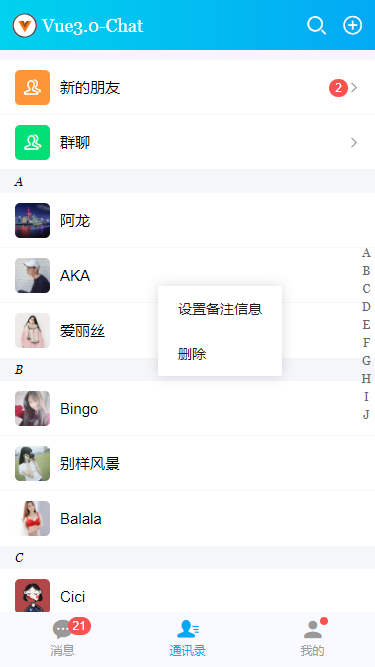


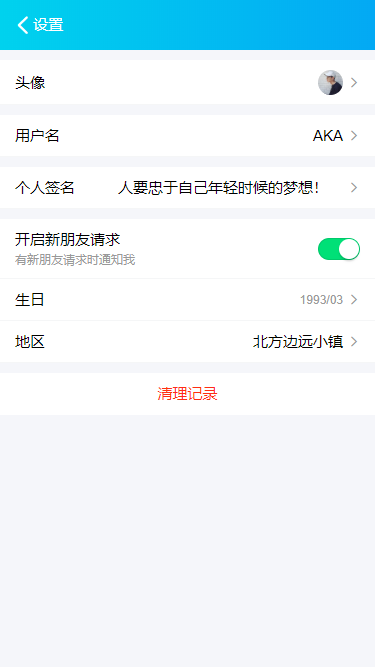



项目布局
vue3.0项目中使用的布局模板入口是app.vue页面。
<template>
  <router-view class="vui__container flexbox flex-col" />
</template>

<script>
export default {
  name: 'App',
  components: {},
}
</script>

<style>
/* 引入公共样式 */
@import './assets/fonts/iconfont.css';
@import './assets/css/reset.css';
@import './assets/css/layout.css';
</style>
vue.config.js项目配置
const path = require('path')

module.exports = {
    // 基本路径
    // publicPath: '/',

    // 输出文件目录
    // outputDir: 'dist',

    // assetsDir: '',

    // 环境配置
    devServer: {
        // host: 'localhost',
        // port: 8080,
        // 是否开启https
        https: false,
        // 编译完是否打开网页
        open: false,

        // 代理配置
        // proxy: {
        //     '^/api': {
        //         target: '<url>',
        //         ws: true,
        //         changeOrigin: true
        //     },
        //     '^/foo': {
        //         target: '<other_url>'
        //     }
        // }
    },

    // webpack配置
    chainWebpack: config => {
        // 配置路径别名
        config.resolve.alias
            .set('@', path.join(__dirname, 'src'))
            .set('@assets', path.join(__dirname, 'src/assets'))
            .set('@components', path.join(__dirname, 'src/components'))
            .set('@views', path.join(__dirname, 'src/views'))
    }
}
vue3自定义弹出层组件
大家看到的项目中 顶部navbar、tabbar标签栏、弹框 等功能均采用自定义组件形式实现。


Vue3Popup一款极致的多种弹框效果类型的vue3.x多功能mobile弹层组件。
vue3.x自定义mobile弹框组件|vue3全局对话框组件
vue3主入口页配置
主要是引入一些公共组件/样式,vuex及路由配置。
/**
 * @Desc     Vue3.0入口页配置
 * @Time     andy by 2021-01
 * @About    Q:282310962  wx:xy190310
 */
import { createApp } from 'vue'
import App from './App.vue'

// 引入vuex和路由配置
import store from './store'
import router from './router'

// 引入js
import '@assets/js/fontSize'

// 引入公共组件
import Plugins from './plugins'

const app = createApp(App)

app.use(store)
app.use(router)
app.use(Plugins)

app.mount('#app')
vue3路由配置/全局钩子拦截登录状态
通过router.beforeEach全局拦截登录状态。
/**
 * Vue3.0路由地址
 */

import { createRouter, createWebHistory } from 'vue-router'

import store from '../store'

import V3Popup from '@components/v3popup'

const __routes = [
    // 登录|注册
    {
        name: 'login', path: '/login',
        component: () => import('../views/auth/login.vue'),
    },

    // ...
]

const router = createRouter({
    history: createWebHistory(),
    routes: __routes,
})

// 全局钩子拦截登录状态
router.beforeEach((to, from, next) => {
    const token = store.state.token

    // 判断当前路由地址是否需要登录权限
    if(to.meta.requireAuth) {
        if(token) {
            next()
        }else {
            // 未登录授权
            V3Popup({
                content: '还未登录授权!', position: 'top', popupStyle: 'background:#fa5151;color:#fff;', time: 2,
                onEnd: () => {
                    next({ path: '/login' })
                }
            })
        }
    }else {
        next()
    }
})

export default router
vue3表单验证
vue3中setup里面不能使用this,只能通过getCurrentInstance获取上下文。
<script>
import { reactive, inject, getCurrentInstance } from 'vue'
export default {
    components: {},
    setup() {
        const { ctx } = getCurrentInstance()

        const v3popup = inject('v3popup')
        const utils = inject('utils')
        const formObj = reactive({})

        // ...

        const handleSubmit = () => {
            if(!formObj.tel){
                Snackbar('手机号不能为空!')
            }else if(!utils.checkTel(formObj.tel)){
                Snackbar('手机号格式不正确!')
            }else if(!formObj.pwd){
                Snackbar('密码不能为空!')
            }else{
                ctx.$store.commit('SET_TOKEN', utils.setToken());
                ctx.$store.commit('SET_USER', formObj.tel);

                // ...
            }
        }

        return {
            formObj,
            handleSubmit
        }
    }
}
</script>好了,基于Vue3.0开发聊天实战项目就分享到这里。后续还会分享一些vue实例。希望大家能喜欢~~
最后附上一个Electron实例
electron-vue聊天室|Electron+Vue.js仿微信客户端

0条评论