

uni-uadmin 一款基于uniapp+uviewUI+ucharts+utable+mockjs等技术搭建的多端后台管理系统。
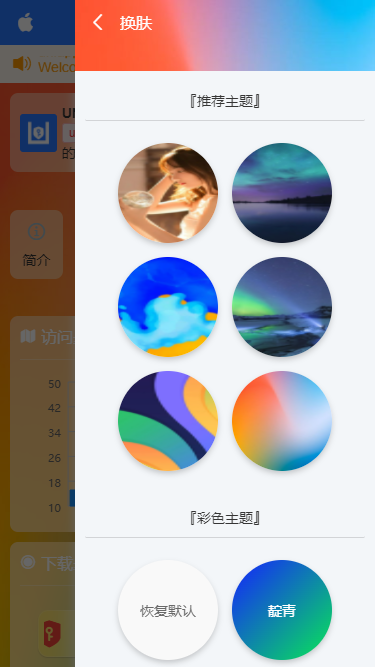
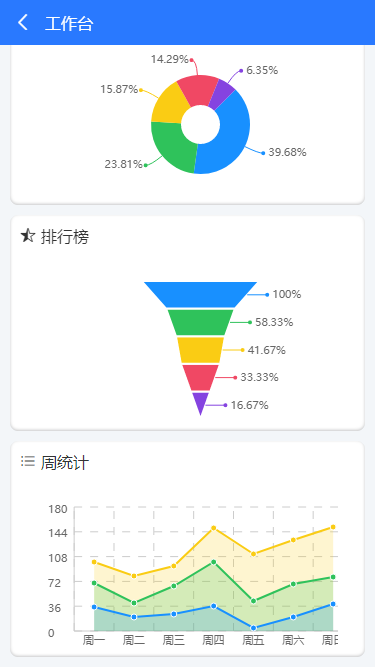
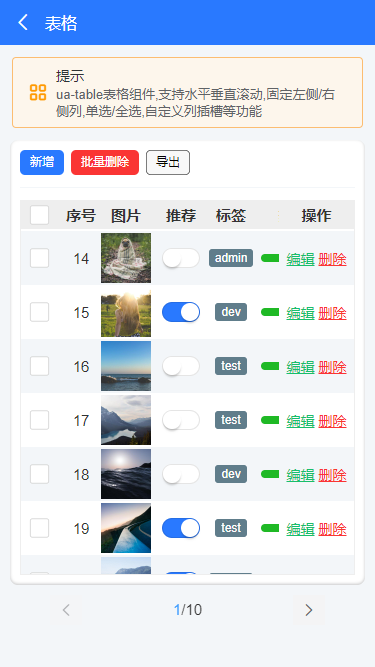
编译至app+h5+小程序效果如下: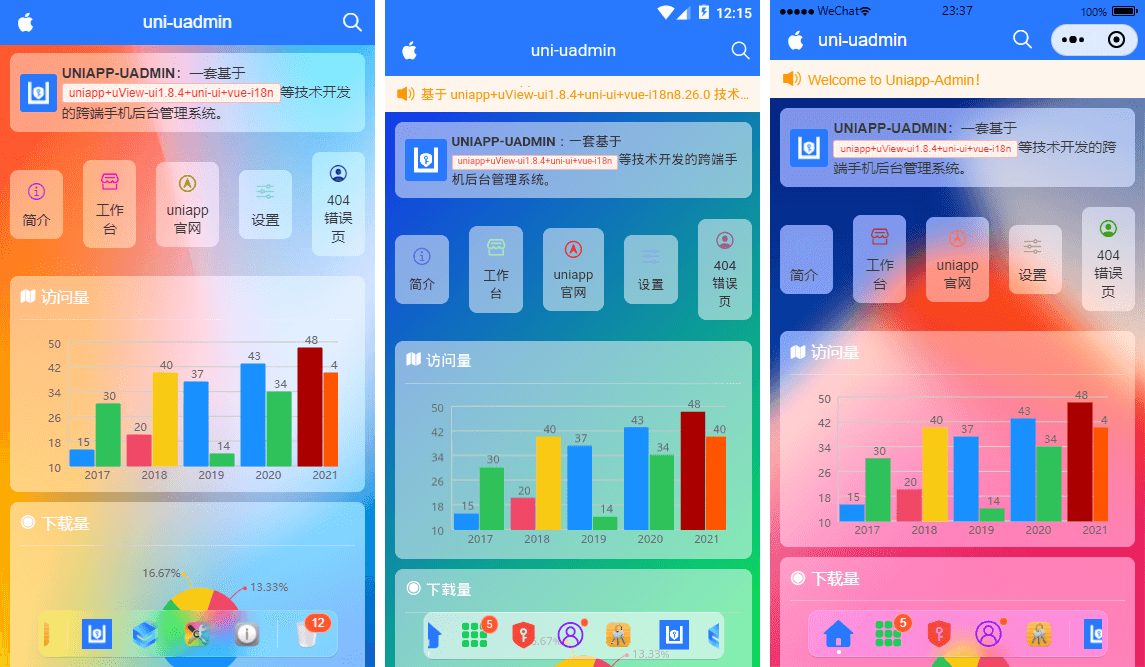
运用技术
- 编辑器:HbuilderX3.3.5
- 使用技术:vue+uniapp+uViewUI+mockjs
- 弹窗组件:ua-popup(基于uni-app跨端弹框组件)
- 表格组件:ua-table(基于uni-app封装的多功能表格)
- 自定义组件:uaDock全新的dock风格tabbar组件
- 图表组件:u-charts图表库
- 模拟数据:mock.js

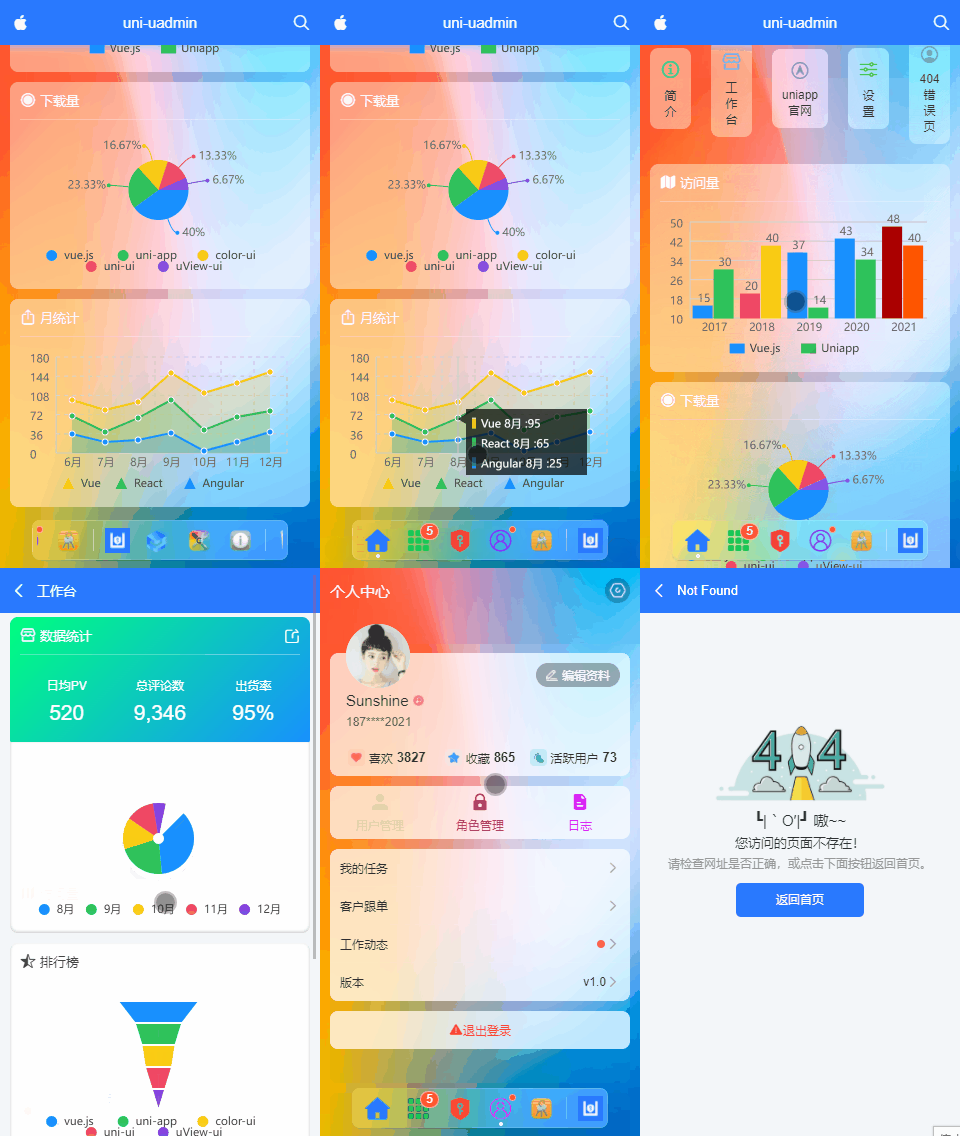
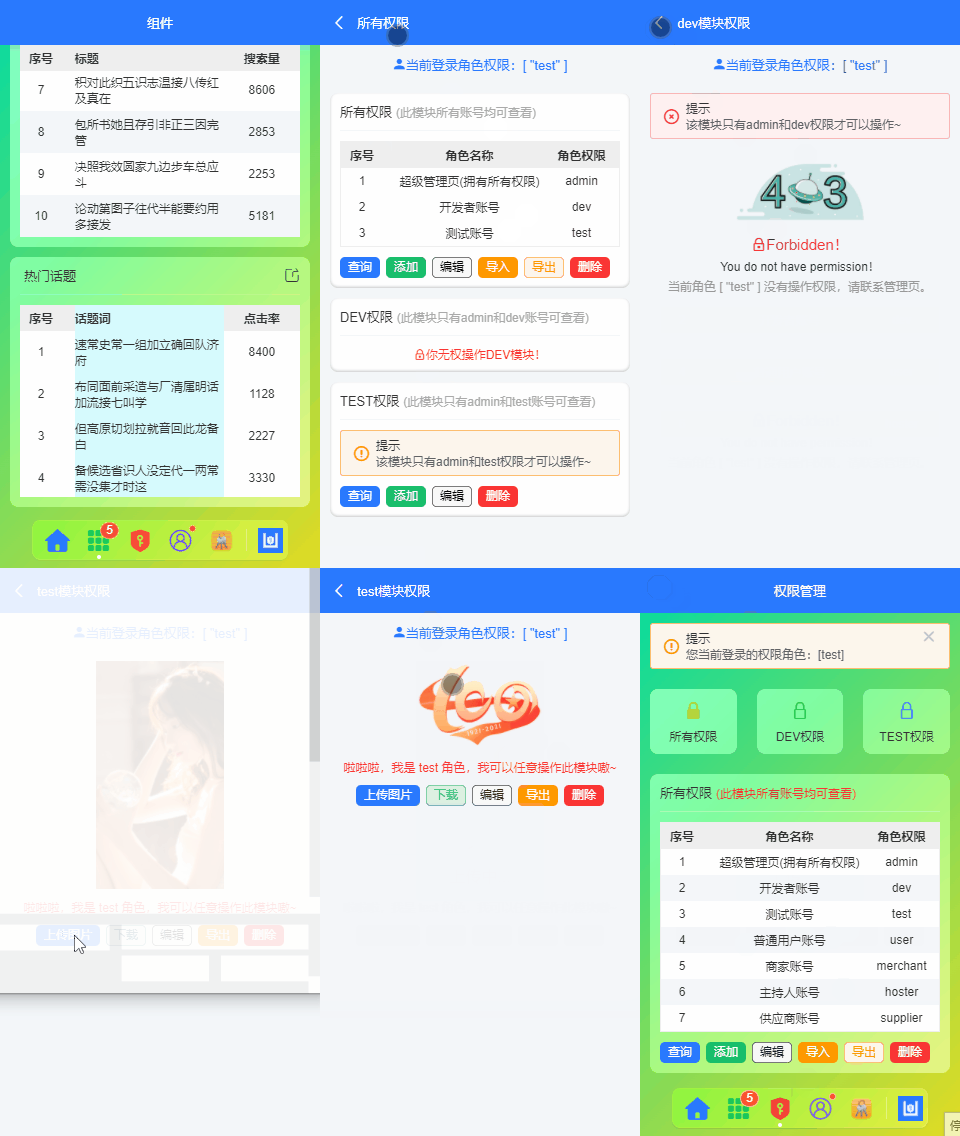
项目整体采用了纯视觉模糊毛玻璃UI,包含了 图表、自定义表格、表单、瀑布流及图文编辑器 等业务模块,动态权限管理,错误页处理,可编译至H5+小程序+APP端
公共页面布局模板
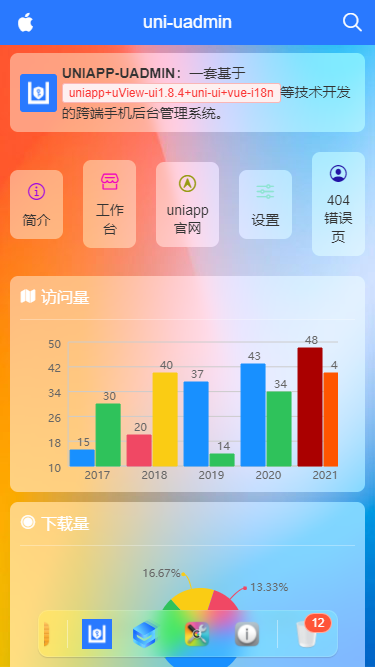
整体分为顶部自定义导航组件+内容区+底部dock菜单。其中dock菜单是自己开发替代系统tabbar组件。支持左右滑动、switchTab及navigateTo跳转页面。
<!-- 公共页面模板 -->
<template>
<view class="ua__pageview flexbox flex-col" :style="{'--SKIN': $store.state.skin, 'background': bgcolor, 'color': color}">
<slot name="header" />
<!-- //主容器 -->
<view class="ua__scrollview flex1">
<slot />
</view>
<!-- //底部 -->
<slot name="footer" />
<!-- //dock菜单 -->
<ua-dock v-if="dock && dock != 'false'" @click="handleDockClick" />
<!-- //函数式弹框 -->
<!-- //换肤弹框模板 -->
<ua-popup v-model="isVisibleSkin" position="right">
<Skin />
</ua-popup>
</view>
</template>dock菜单支持如下参数配置。
props: {
    // 当前索引
    current: { type: [Number, String], default: 0 },
    // 背景色
    bgcolor: { type: String, default: null },
    /**
     * [ 菜单选项 ]
        type    菜单类型 type: 'tab'支持uni.switchTab切换 type: 'divider'分割线
        path    菜单页面地址
        icon    菜单图标-iconfont图标
        img     菜单图片
        color    菜单图标颜色
        title    标题
        badge    圆点数字
        dot        小红点
     */
    menu: {
        type: Array,
        default: () => [
            /* Tab菜单 */
            {
                type: 'tab',
                path: '/pages/index/index',
                icon: `\ue619`,
                color: '#2979ff',
                title: '首页',
            },
            {
                type: 'tab',
                path: '/pages/component/index',
                icon: 'icon-component',
                color: '#17c956',
                title: '组件',
                badge: 5,
            },
            {
                type: 'tab',
                path: '/pages/permission/index',
                icon: 'icon-auth',
                color: '#f44336',
                title: '权限管理',
            },
            {
                type: 'tab',
                path: '/pages/setting/index',
                icon: 'icon-wo',
                color: '#8d1cff',
                title: '设置',
                dot: true,
            },
            {
                path: '/pages/error/404',
                img: require('@/static/mac/keychain.png'),
                title: '错误页面',
            },

            { type: 'divider' },

            /* Nav菜单 */
            {
                img: require('@/static/logo.png'),
                title: 'github',
            },
            {
                img: 'https://www.uviewui.com/common/logo.png',
                title: 'gitee',
            },
            {
                img: require('@/static/mac/colorsync.png'),
                title: '皮肤',
            },
            {
                img: require('@/static/mac/info.png'),
                title: '关于',
            },

            { type: 'divider' },

            {
                img: require('@/static/mac/bin.png'),
                title: '回收站',
                badge: 12,
            },
        ]
    },
},




uniapp自定义富功能表格
ua-table 一款基于uniapp自定义表格组件。支持单选及多选,多行、多列,表头固定,自定义slot插槽内容,点击行列返回数据等功能。
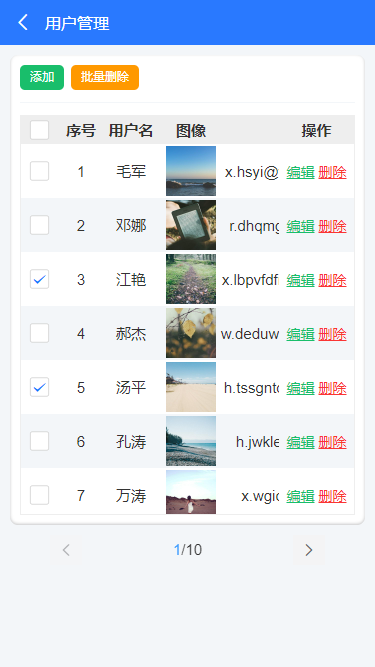
<ua-table
    :columns="columns"
    headerBgColor="#eee"
    :headerBold="true"
    stripe
    padding="5px 0"
    :data="data.list"
    height="450rpx"
>
</ua-table>

<script>
import Mock from 'mockjs'

export default {
    data() {
        return {
            columns: [
                {type: 'index', align: 'center', width: 100, fixed: true}, // 索引序号
                {prop: 'title', label: '标题', align: 'left', width: '350'},
                {prop: 'num', label: '搜索量', align: 'center', width: 120},
            ],
            data: Mock.mock({
                total: 100,
                page: 1,
                pagesize: 10,
                'list|10': [
                    {
                        id: '@id()',
                        title: '@ctitle(10, 20)',
                        num: '@integer(1000,10000)'
                    }
                ]
            }),
        }
    }
}
</script>
另外还支持自定义slot来丰富表格内容。
ok,今天就先分享到这里。后续还会分享一些最新实例项目。希望大家喜欢哈~
0条评论