

创建react项目有很多种方式,今天分享一下使用vite构建工具创建
react18.x hooks聊天项目。

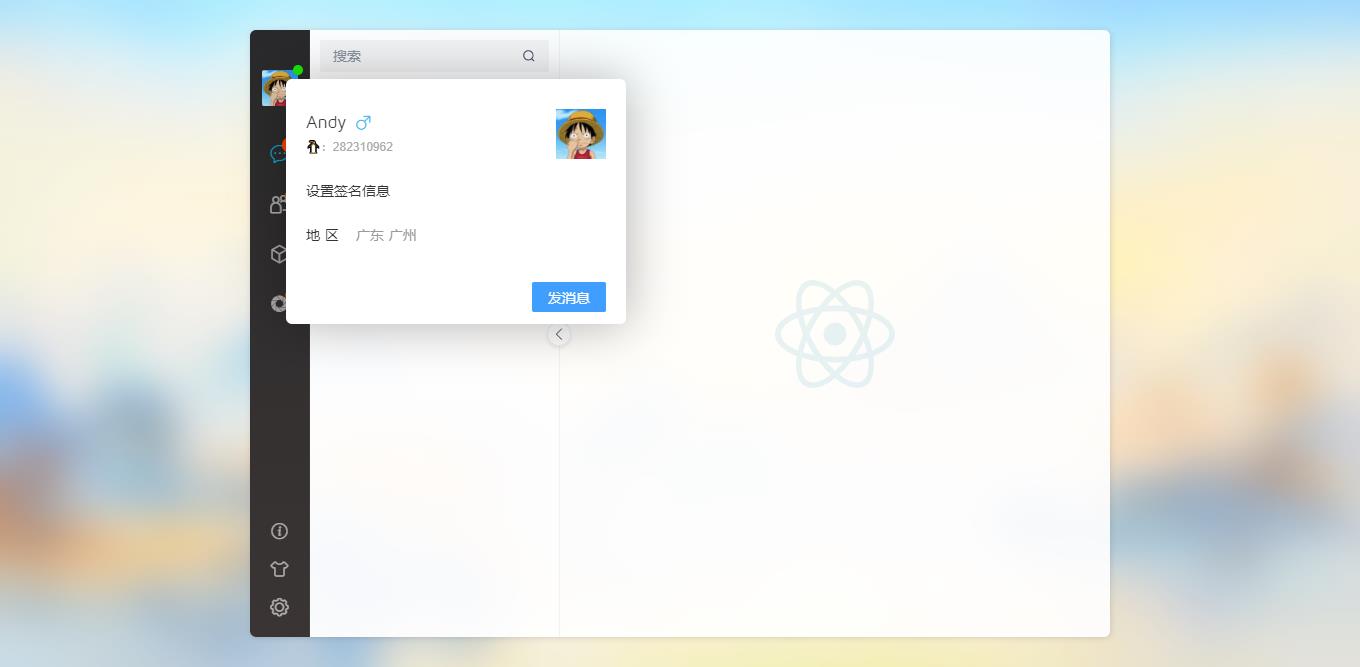
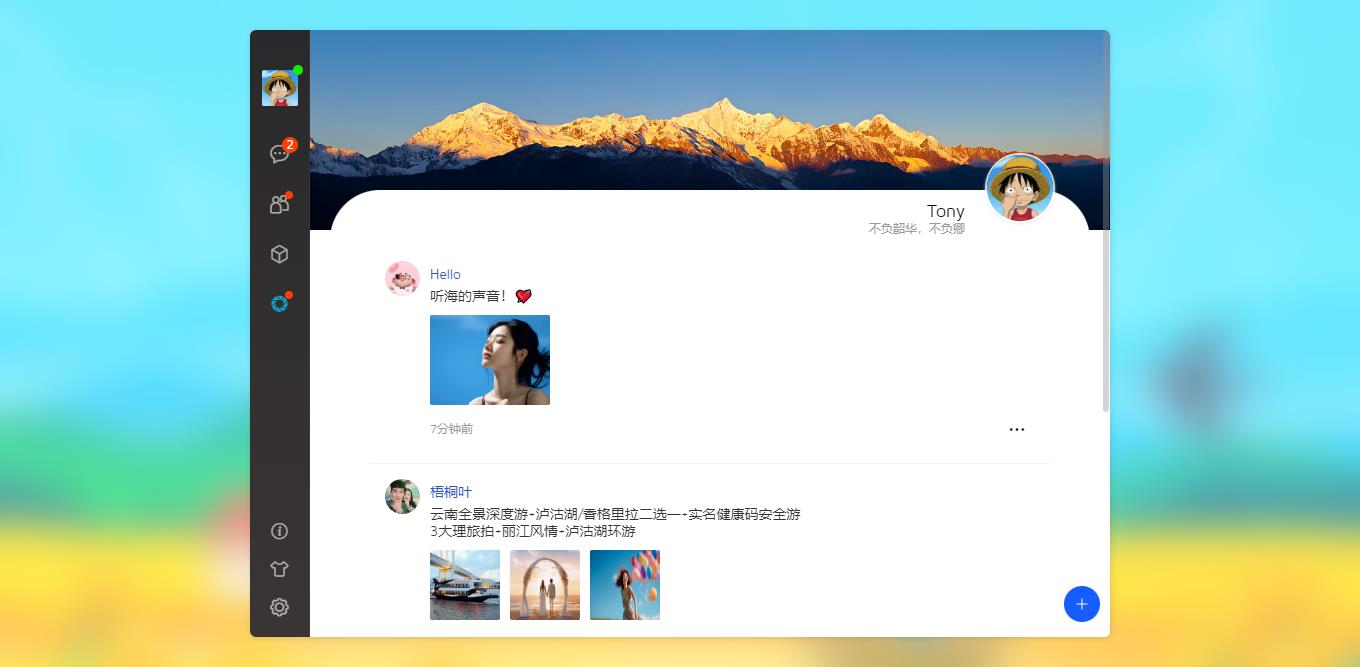
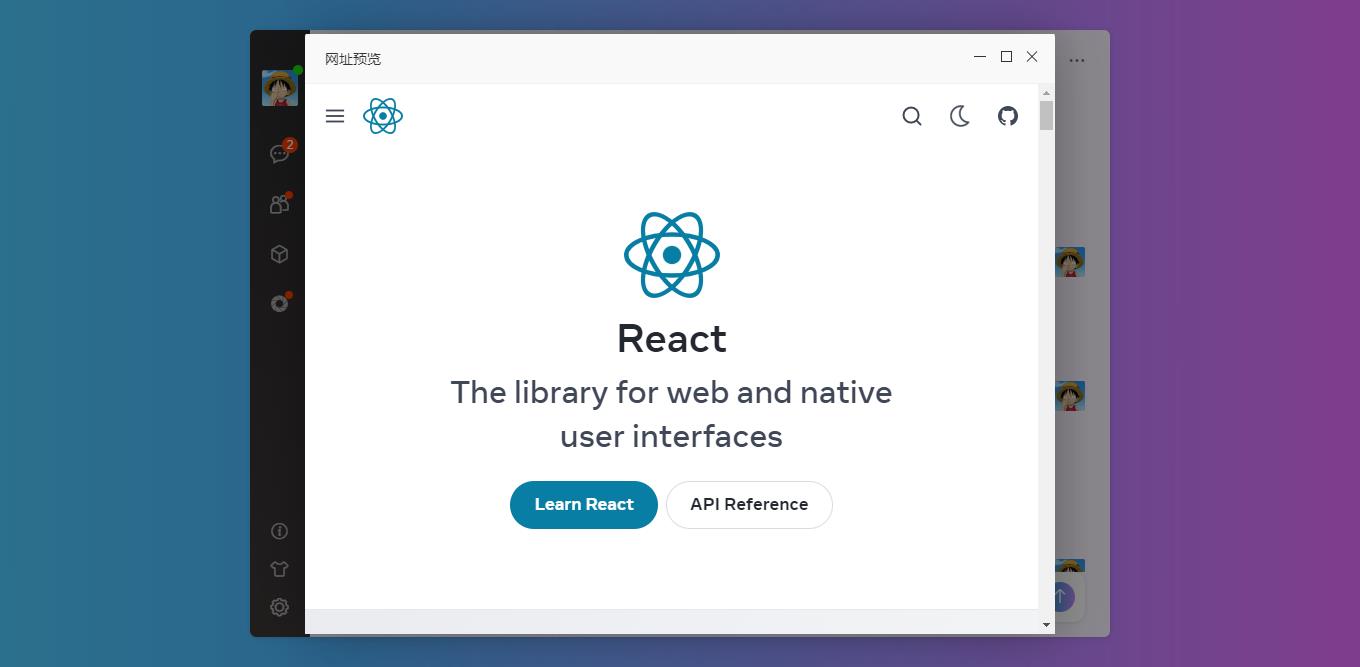
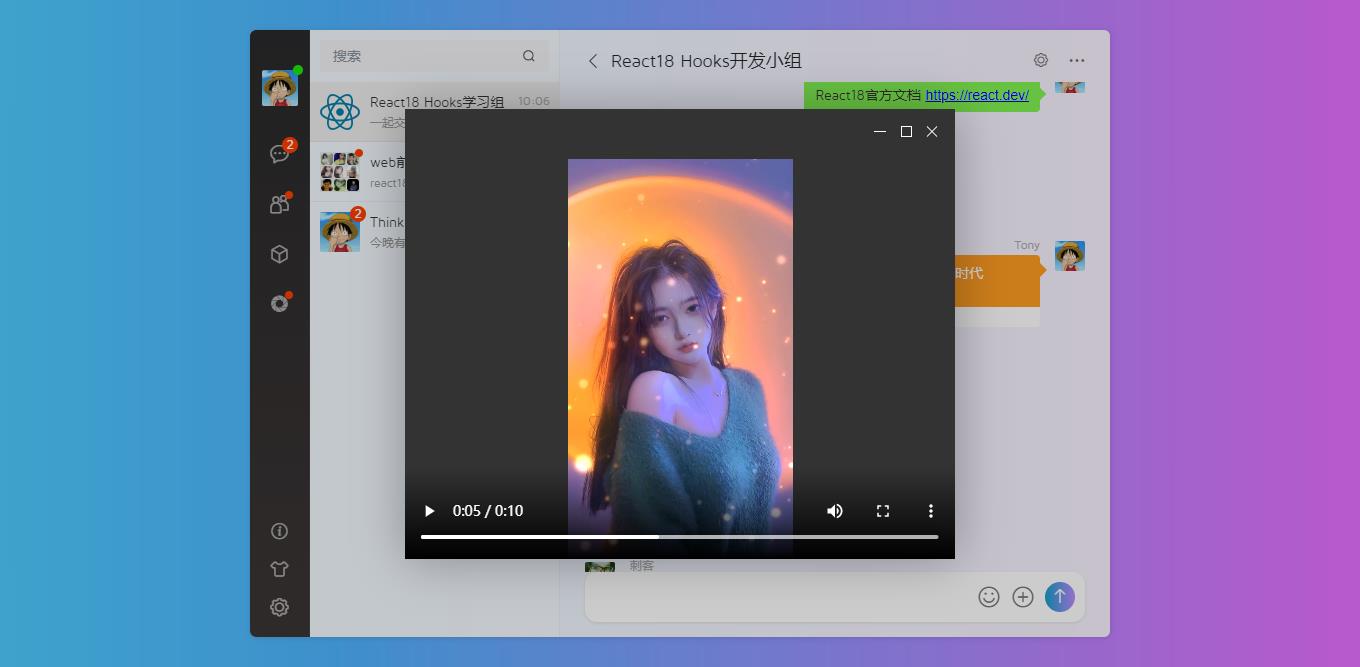
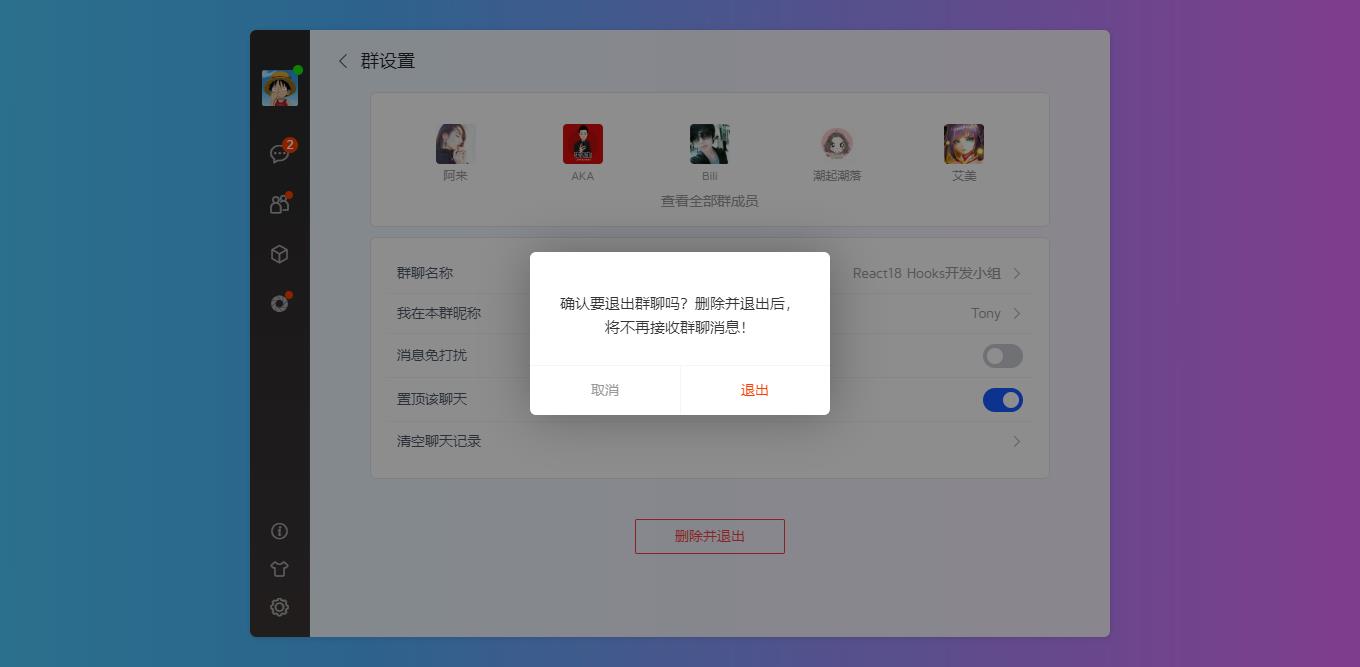
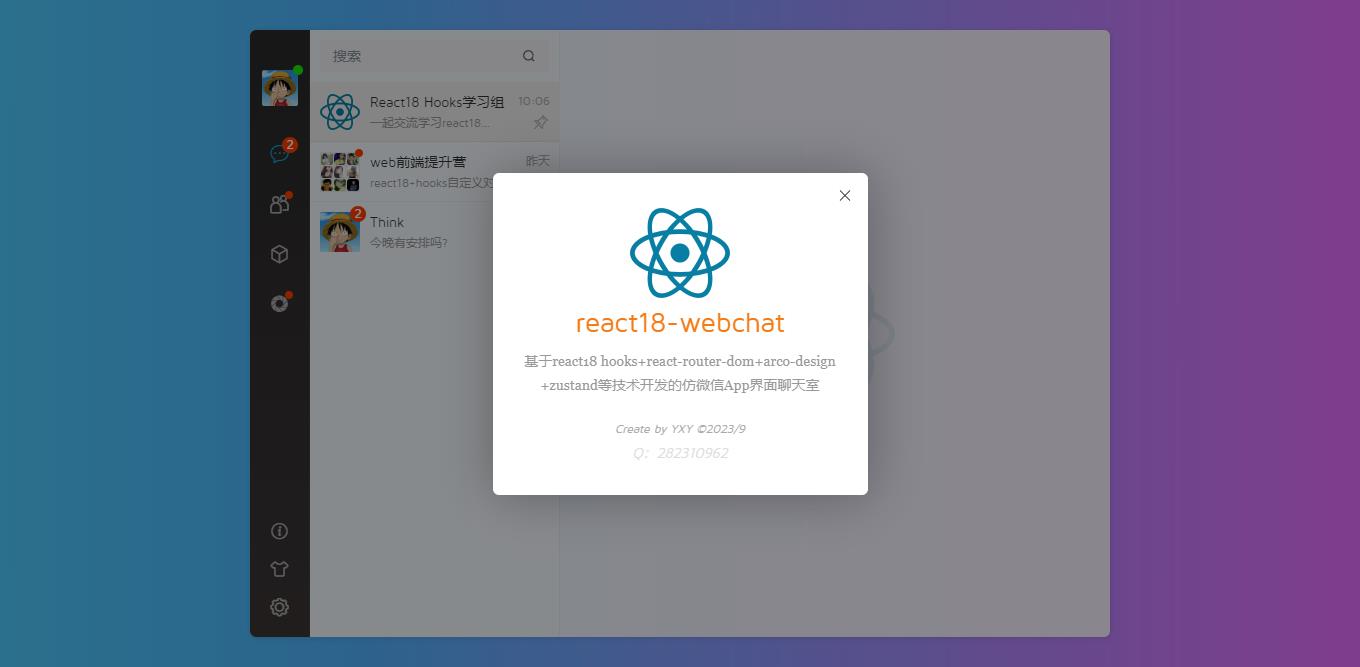
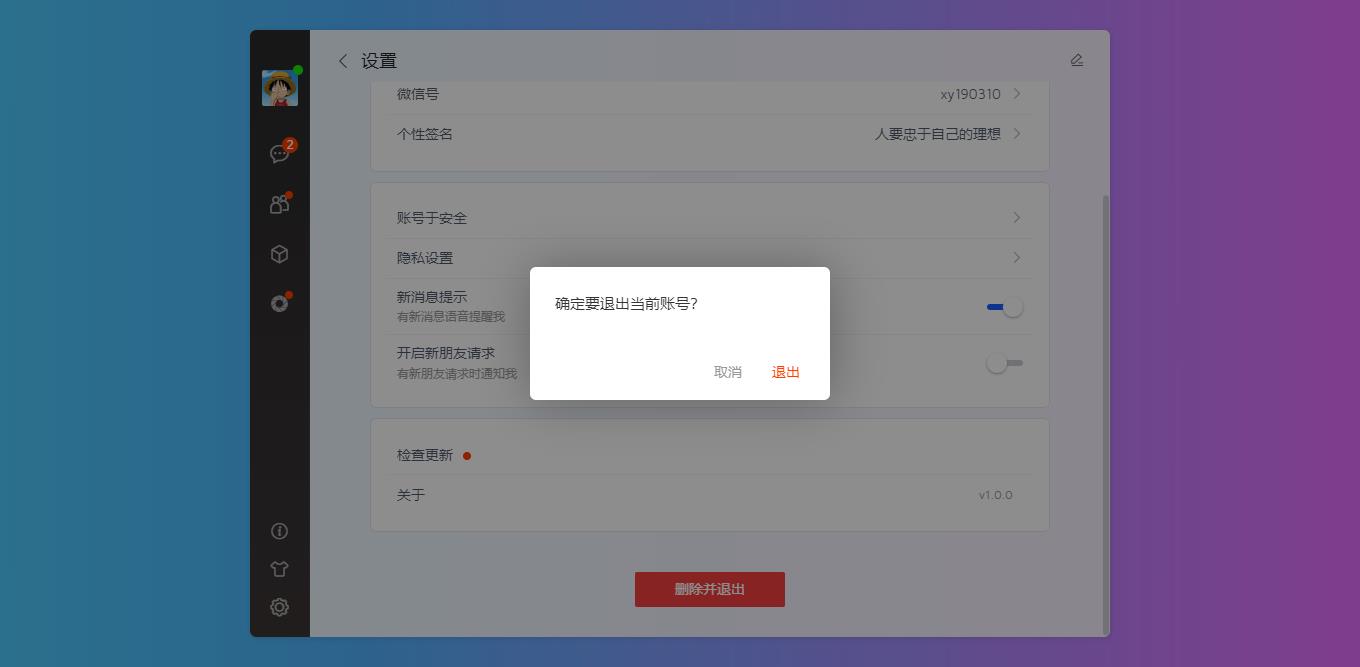
react18_webchat基于react18+vite4+zustand+arco design等技术开发,实现了类似微信聊天编辑框、图片/视频预览、红包打赏/朋友圈等功能。
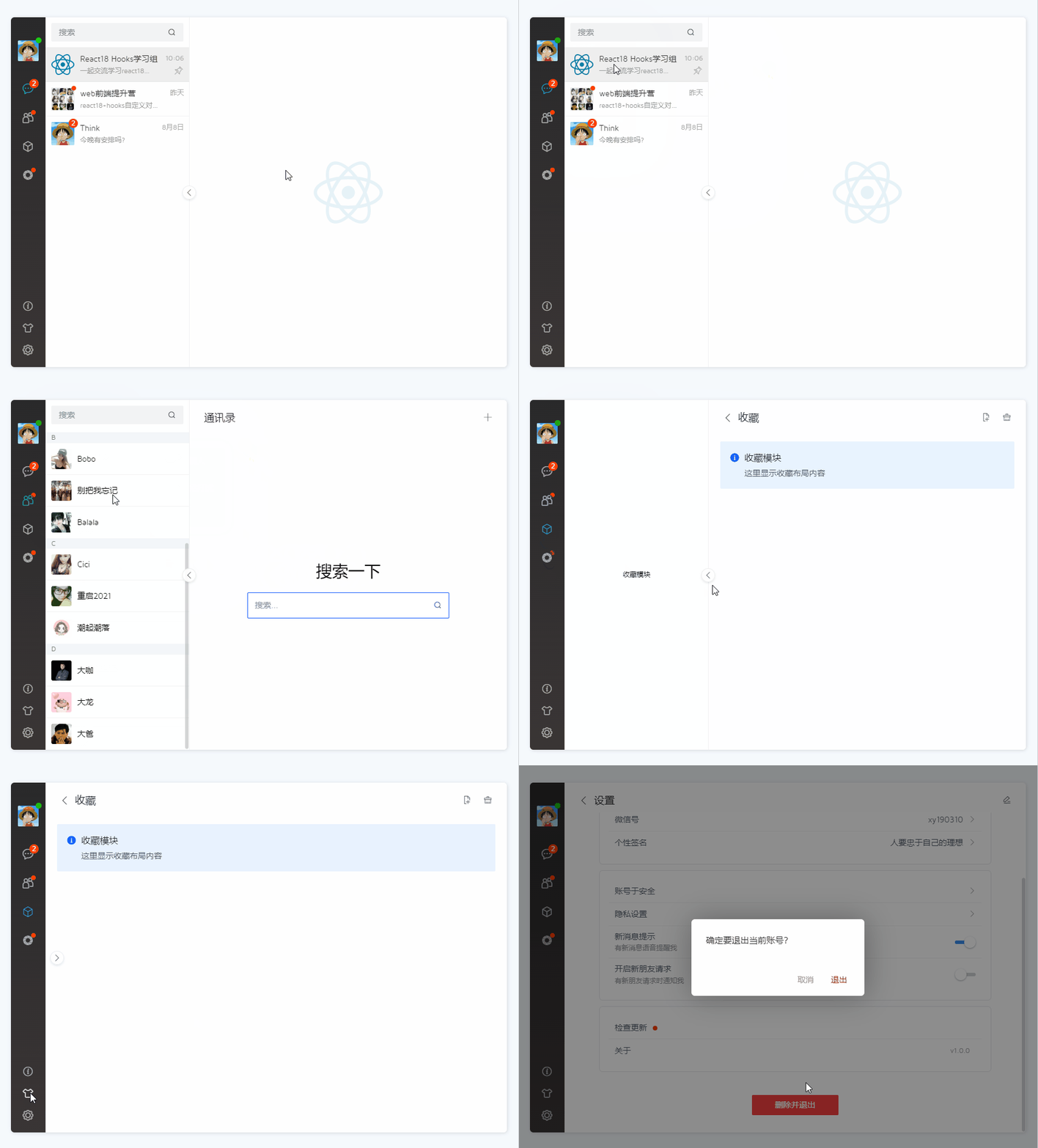
使用技术
- 开发工具:vscode
- 技术框架:react18+vite4+react-router-dom+zustand+sass
- UI组件库:@arco-design/web-react (字节跳动react组件库)
- 状态库:zustand^4.4.1
- 路由插件:react-router-dom^6.15.0
- className拼接:clsx^2.0.0
- 对话框组件:rdialog (基于react18 hooks自定义桌面端弹窗组件)
- 滚动条组件:rscroll (基于react18 hooks自定义美化滚动条)
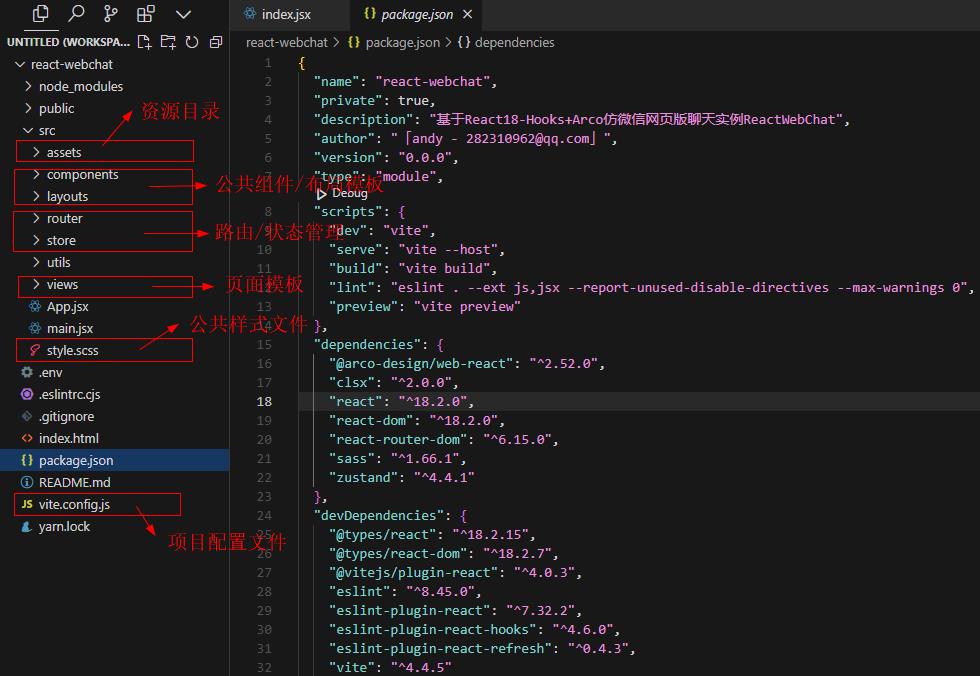
目录线性结构
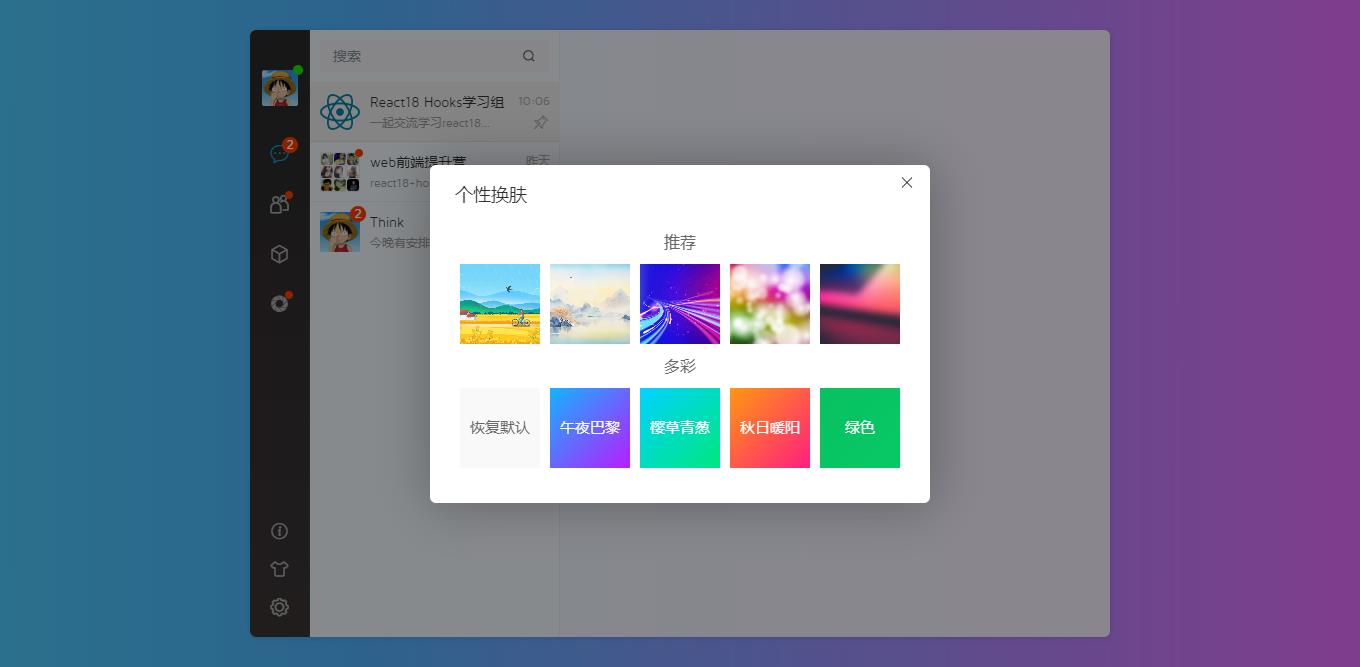
react-webchat还支持动态更换桌面聊天背景,体验不一样聊天视觉。
入口main.jsx
import React from 'react'
import ReactDOM from 'react-dom/client'
import App from './App.jsx'
import '@arco-design/web-react/dist/css/arco.css'
import './style.scss'

ReactDOM.createRoot(document.getElementById('root')).render(<App />)
主模板App.jsx
import { HashRouter } from 'react-router-dom'

// 路由配置文件
import Router from './router'

function App() {
    return (
        <>
            <HashRouter>
              <Router />
            </HashRouter>
        </>
    )
}

export default App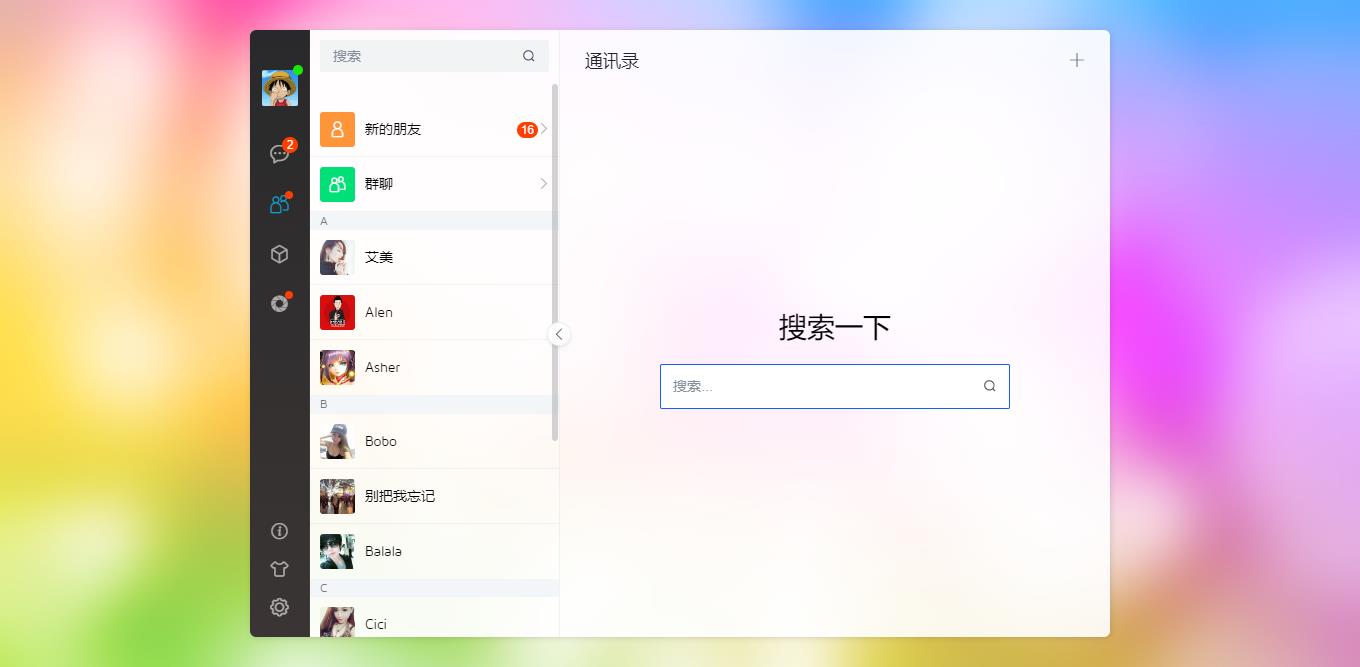

路由配置
整体项目分为侧边栏/中间栏/右侧聊天主体三个部分。
// 路由占位模板(类似vue中router-view)
const RouterLayout = () => {
    const authState = authStore()
    return (
        <div className="rc__container flexbox flex-alignc flex-justifyc" style={{'--themeSkin': authState.skin}}>
            <div className="rc__layout flexbox flex-col">
                {/* <div className="rc__layout-header">顶部栏</div> */}
                <div className="rc__layout-body flex1 flexbox">
                    {/* 菜单栏 */}
                    <Menu />

                    {/* 中间栏 */}
                    <Aside />

                    {/* 主内容区 */}
                    <div className="rc__layout-main flex1 flexbox flex-col">
                        { lazyload(<Outlet />) }
                    </div>
                </div>
            </div>
        </div>
    )
}
完整的路由配置文件。
/**
 * react18路由配置 create by Hs Q:282310962
*/

import { lazy, Suspense } from 'react'
import { useRoutes, Outlet, Navigate } from 'react-router-dom'
import { Spin } from '@arco-design/web-react'

import { authStore } from '@/store/auth'

// 引入路由页面
import Login from '@views/auth/login'
import Register from '@views/auth/register'
const Index = lazy(() => import('@views/index'))
const Contact = lazy(() => import('@views/contact'))
const Uinfo = lazy(() => import('@views/contact/uinfo'))
const NewFriend = lazy(() => import('@views/contact/newfriend'))
const Chat = lazy(() => import('@views/chat/chat'))
const ChatInfo = lazy(() => import('@views/chat/info'))
const RedPacket = lazy(() => import('@views/chat/redpacket'))
const Fzone = lazy(() => import('@views/my/fzone'))
const Favorite = lazy(() => import('@views/my/favorite'))
const Setting = lazy(() => import('@views/my/setting'))
const Error = lazy(() => import('@views/404'))

import Menu from '@/layouts/menu'
import Aside from '@/layouts/aside'

// 加载提示
const SpinLoading = () => {
    return (
        <div className="rcLoading">
            <Spin size="20" tip='loading...' />
        </div>
    )
}

// 延迟加载
const lazyload = children => {
    // React 16.6 新增了<Suspense>组件,让你可以“等待”目标代码加载,并且可以直接指定一个加载的界面,让它在用户等待的时候显示
    // 路由懒加载报错:react-dom.development.js:19055 Uncaught Error: A component suspended while responding to synchronous input.
    // 懒加载的模式需要我们给他加上一层 Loading的提示加载组件
    return <Suspense fallback={<SpinLoading />}>{children}</Suspense>
}

// 路由鉴权验证
const RouterAuth = ({ children }) => {
    const authState = authStore()

    return authState.isLogged ? (
        children
    ) : (
        <Navigate to="/login" replace={true} />
    )
}

export const routerConfig = [
    {
        path: '/',
        element: <RouterAuth><RouterLayout /></RouterAuth>,
        children: [
            // 首页
            { index: true, element: <Index /> },

            // 通讯录模块
            { path: '/contact', element: <Contact /> },
            { path: '/uinfo', element: <Uinfo /> },
            { path: '/newfriend', element: <NewFriend /> },

            // 聊天模块
            { path: '/chat', element: <Chat /> },
            { path: '/chatinfo', element: <ChatInfo /> },
            { path: '/redpacket', element: <RedPacket /> },

            // 我的模块
            { path: '/fzone', element: <Fzone /> },
            { path: '/favorite', element: <Favorite /> },
            { path: '/setting', element: <Setting /> },

            // 404模块 path="*"不能省略
            { path: '*', element: <Error /> }
        ]
    },
    // 登录/注册
    { path: '/login', element: <Login /> },
    { path: '/register', element: <Register /> }
]

const Router = () => useRoutes(routerConfig)

export default Router


状态管理库zustand
使用了新一代react18 hooks状态管理插件Zustand4.x。
/**
 * react18状态管理库Zustand
*/
import { create } from 'zustand'
import { persist, createJSONStorage } from 'zustand/middleware'

export const authStore = create(
    persist(
        (set, get) => ({
            isLogged: false,
            token: null,
            // 折叠侧边栏
            collapse: false,
            // 个性换肤
            skin: null,
            // 登录数据
            loggedData: (data) => set({isLogged: data.isLogged, token: data.token}),
            setCollapse: (v) => set({collapse: v}),
            setSkin: (v) => set({skin: v})
        }),
        {
            name: 'authState',
            // name: 'auth-store', // name of the item in the storage (must be unique)
            // storage: createJSONStorage(() => sessionStorage), // by default, 'localStorage'
        }
    )
)
Emmm~~ ,以上就是react18+arco开发网页聊天的一些知识分享,希望对大家有所帮助!
0条评论