

项目介绍
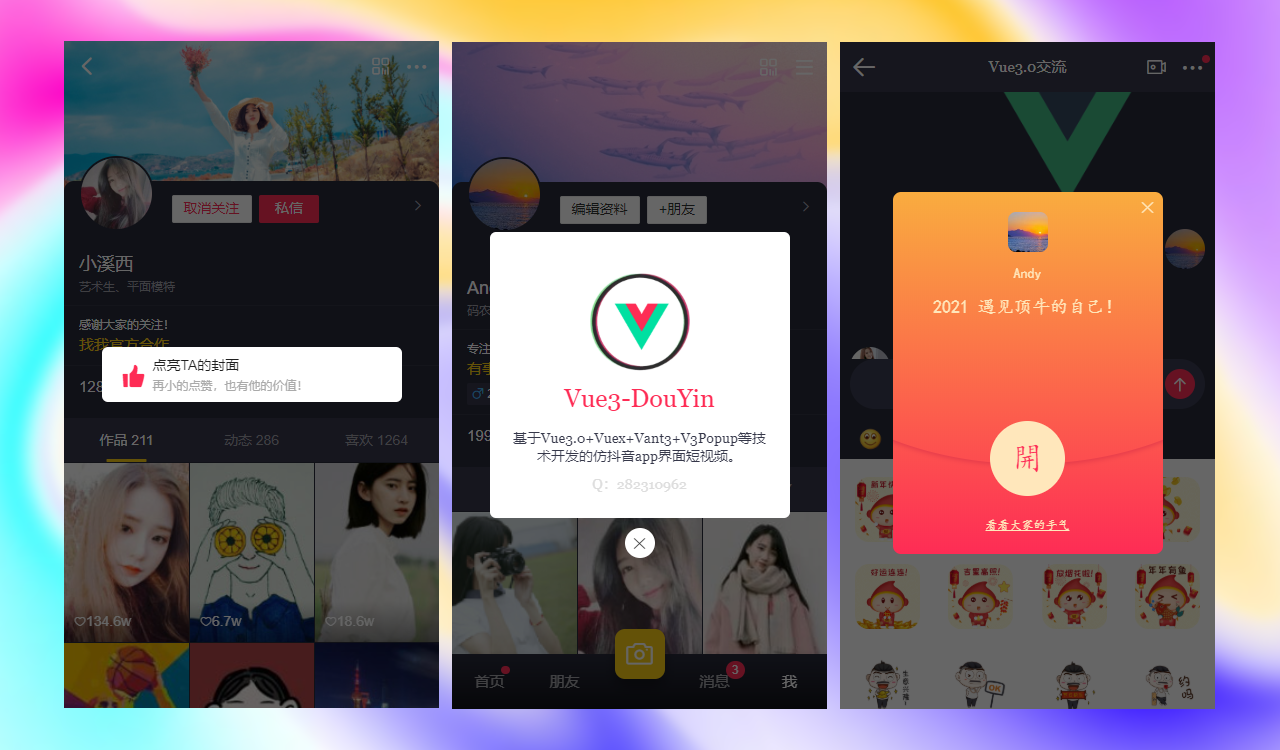
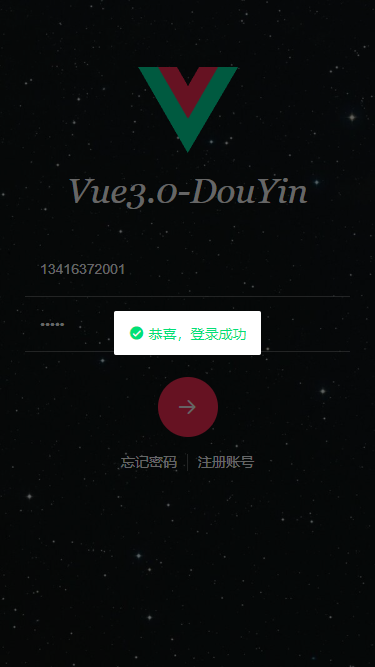
Vue3-DouYin 基于vite2+vue3.0.5+vuex4+vant3+v3popup等技术搭建的仿抖音|微信小视频和直播聊天实战项目|vue3实现小视频/直播效果。
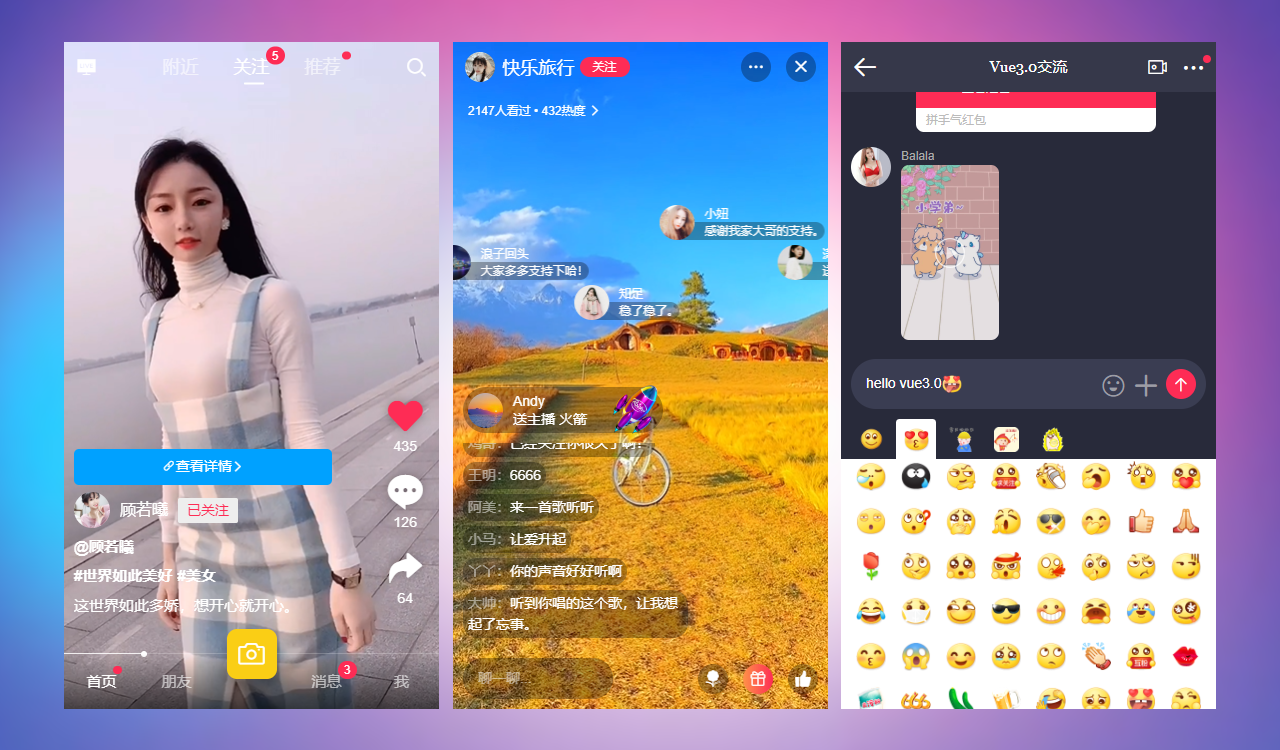
伴随着新年越来越近,抖音又再一次拿到2021年独家春晚红包合作伙伴,必然使得小视频/直播再一次火爆网络,成为更多人的新玩伴。
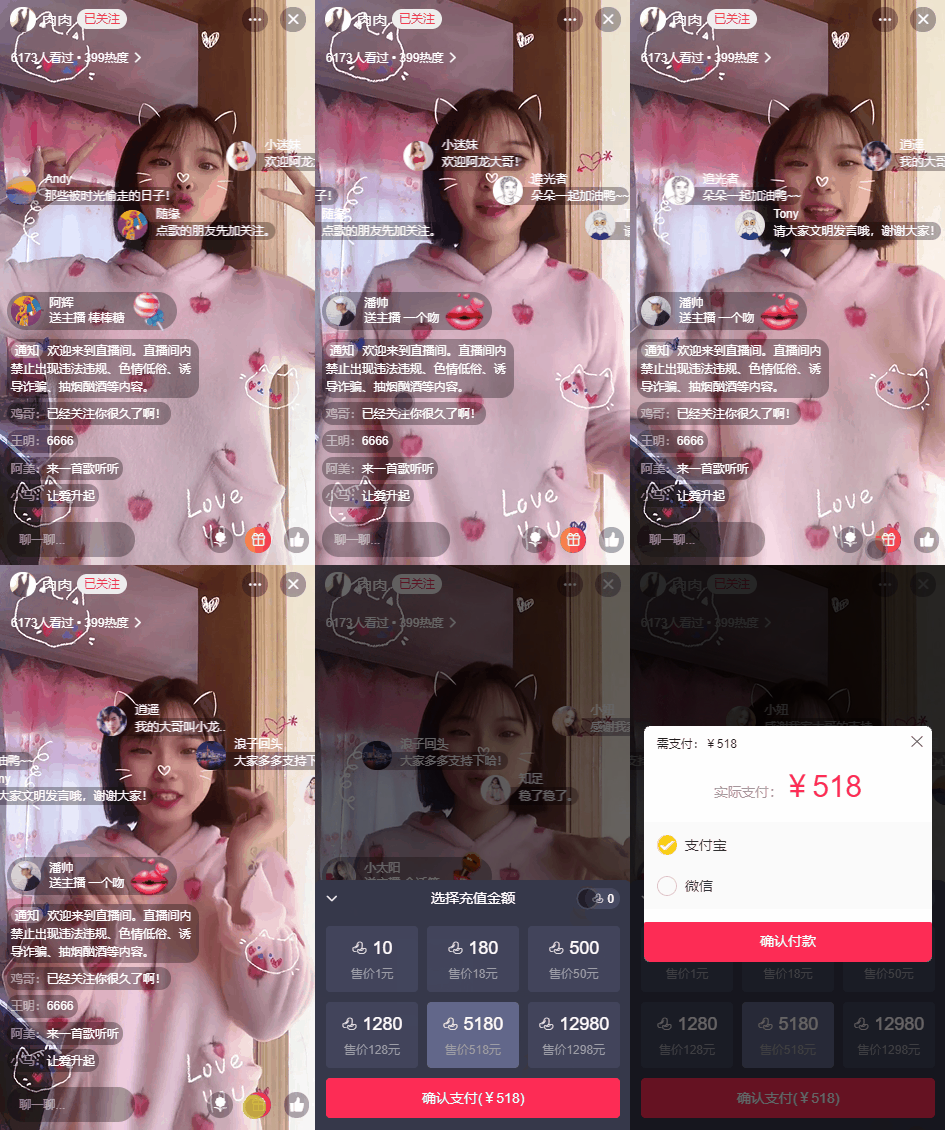
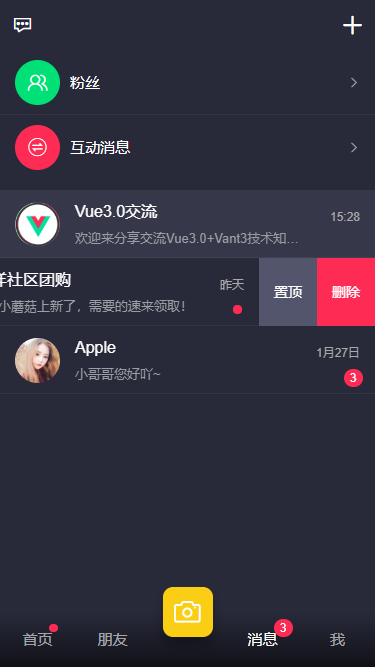
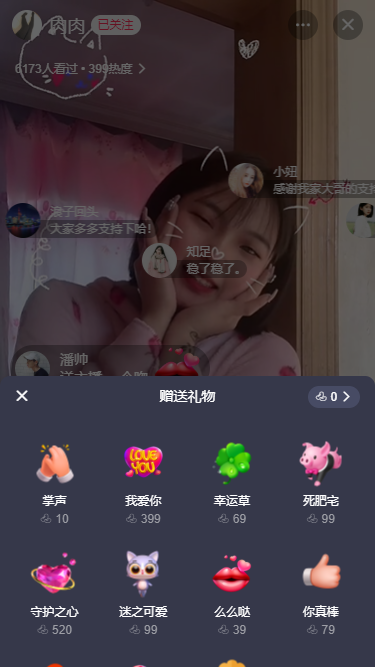
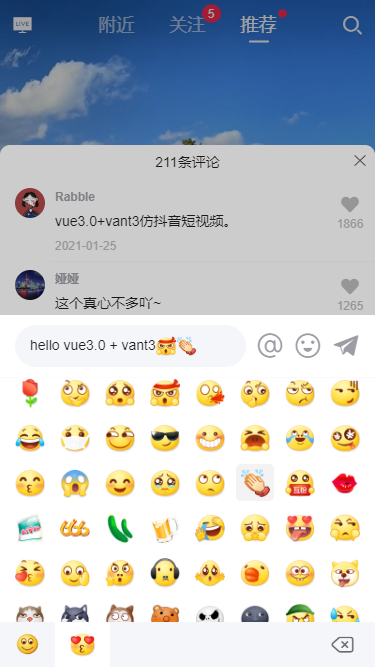
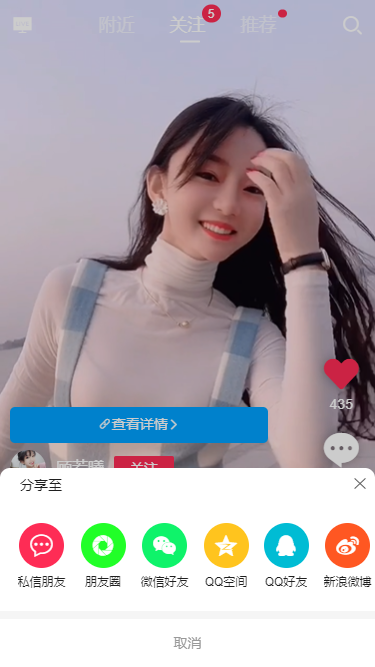
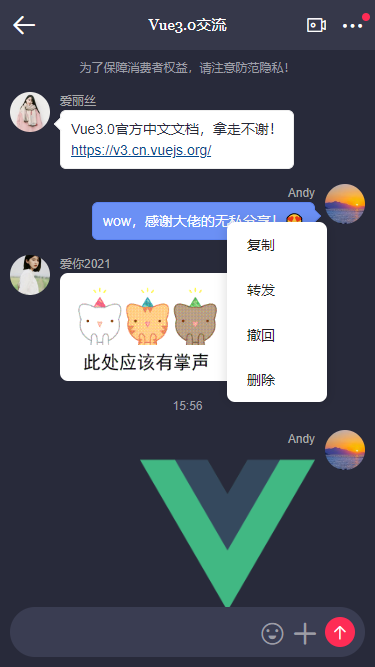
vue3-douyin 支持视频上下滑动切换、点赞/评论、聊天/弹幕/送礼物等功能。
技术栈
- 编辑器:Vscode
- 框架技术:Vue^3.0.5
- 状态管理:Vuex^4.0.0-rc.2
- 页面路由:Vue-Router^4.0.3
- UI组件库:Vant^3.0.4 (有赞手机端vue3组件库)
- 弹框组件:v3popup(基于vue3自定义手机端弹出层组件)
- 字体图标:阿里iconfont图标
- 导航栏+标签栏:基于vue3自定义navbar/tabbar组件
项目结构目录
遵循vue3最新语法及分层结构来构建项目。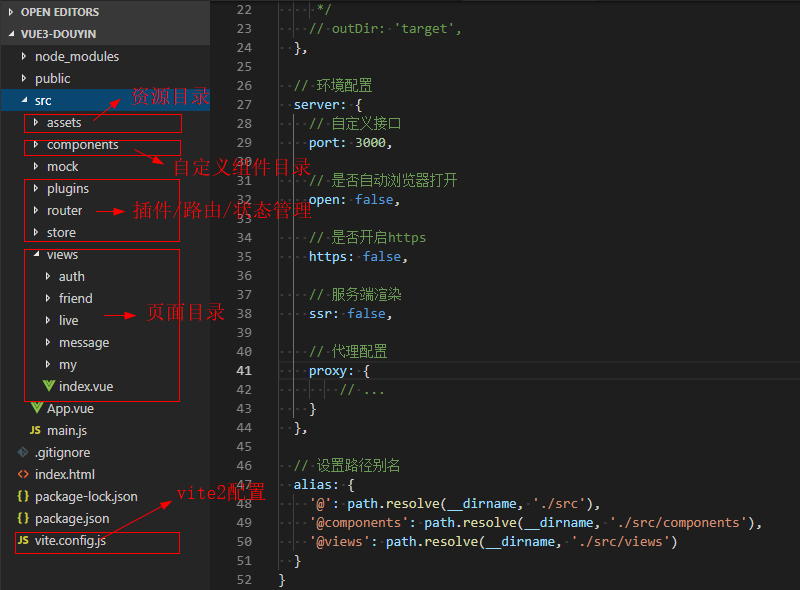
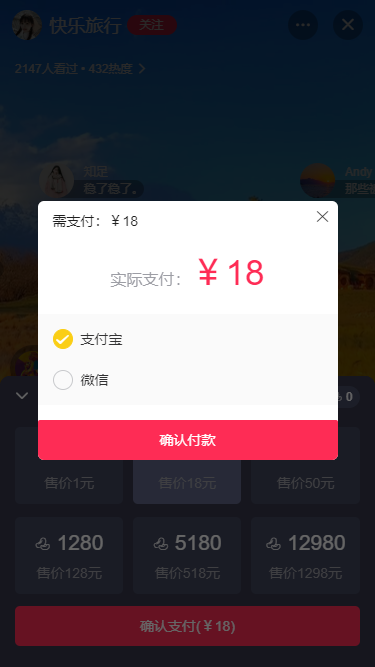
vue3移动端弹窗组件
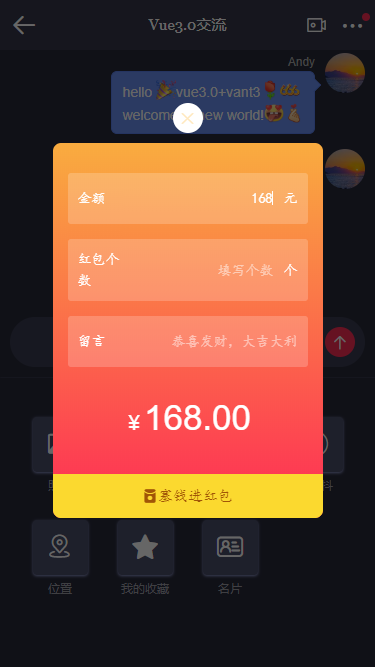
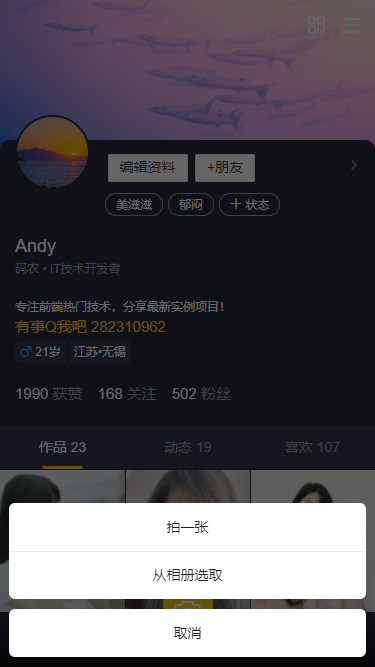
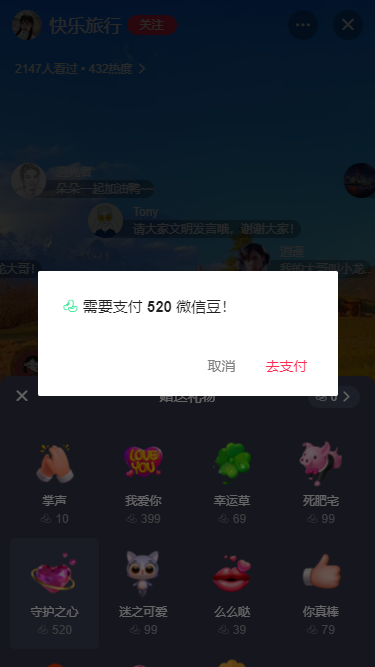
v3popup 基于vue3.0开发的一款mobile弹框组件,贯穿于整个项目应用。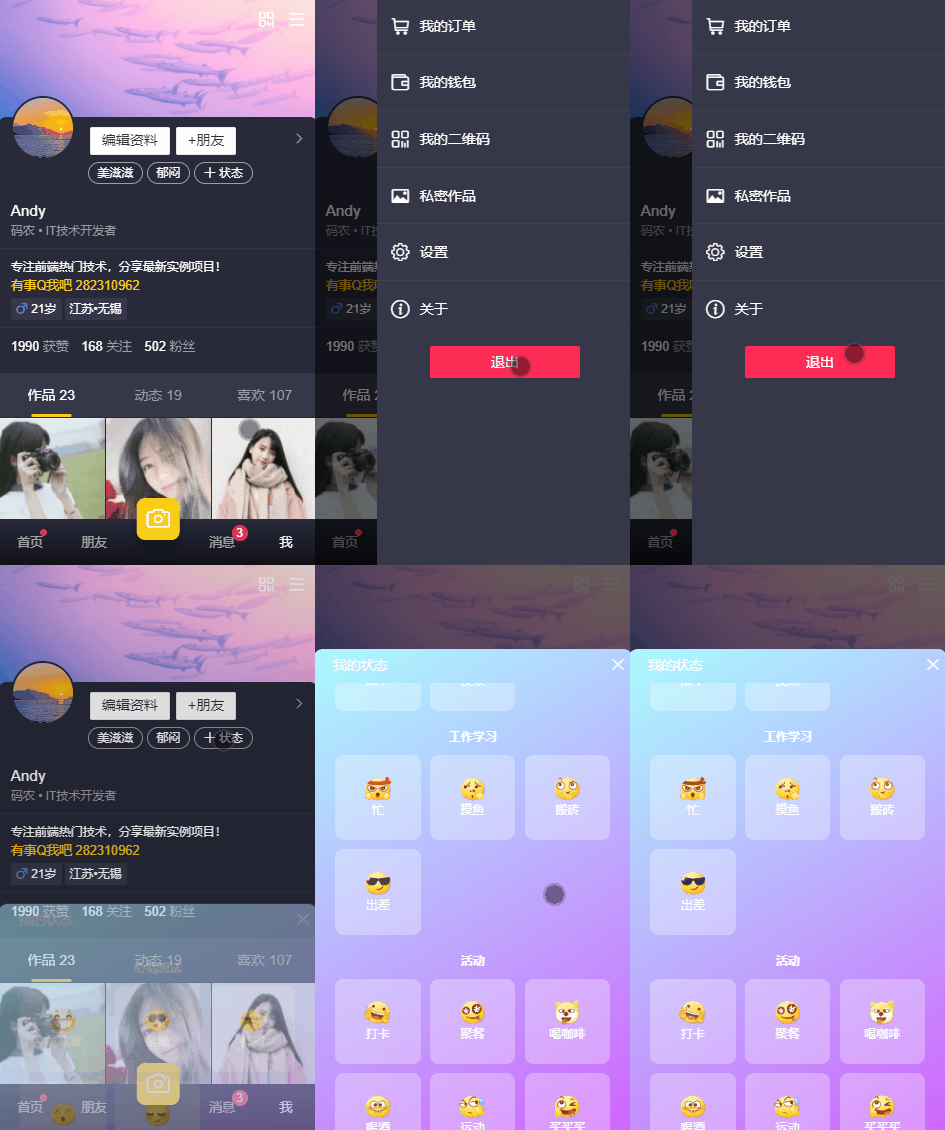
vite配置文件
使用vite.js构建功能搭建的项目,根目录会有一个vite.config.js文件。可以进行一些简单的环境/项目路径配置。
/**
 * Vite2项目配置
 */

import vue from '@vitejs/plugin-vue'

import path from 'path'

/**
 * @type {import('vite').UserConfig}
 */
export default {
  plugins: [vue()],

  build: {
    // 基本目录
    // base: '/',

    /**
     * 输出文件目录
     * @default dist(默认)
     */
    // outDir: 'target',
  },

  // 环境配置
  server: {
    // 自定义接口
    port: 3000,

    // 是否自动浏览器打开
    open: false,

    // 是否开启https
    https: false,

    // 代理配置
    proxy: {
        // ...
    }
  },

  // 设置路径别名
  alias: {
    '@': path.resolve(__dirname, './src'),
    '@components': path.resolve(__dirname, './src/components'),
    '@views': path.resolve(__dirname, './src/views')
  }
}
vue3主入口配置
在main.js中引入路由/状态管理及一些公共组件。
import { createApp } from 'vue'
import App from './App.vue'

// 引入Router及Vuex
import router from './router'
import store from './store'

// 引入公用组件
import Plugins from './plugins'

// 引入Js
import '@/assets/js/fontSize'

// 引入公用样式
import '@/assets/fonts/iconfont.css'
import '@/assets/css/reset.css'
import '@/assets/css/layout.css'

const app = createApp(App)

app.use(router)
app.use(store)
app.use(Plugins)

app.mount('#app')
vue3实现短视频+直播效果
其实小视频和直播页面有一些功能模块是公用的。使用swipe组件实现视频区滑动切换。
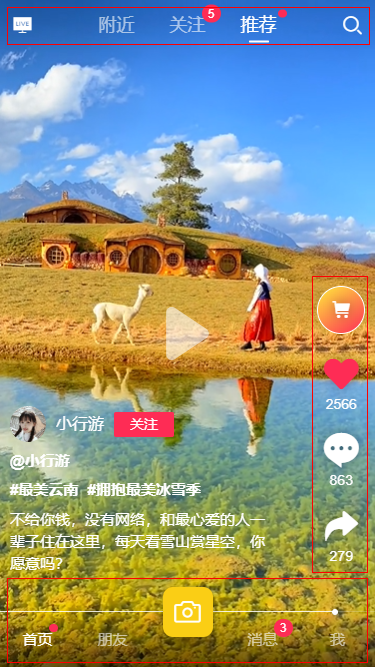
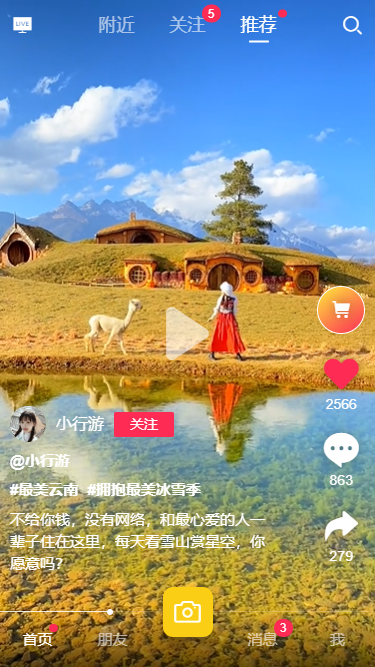
小视频页整体分为顶部导航/视频区域/底部Tab三个大部分。支持左右/上下滑动切换。
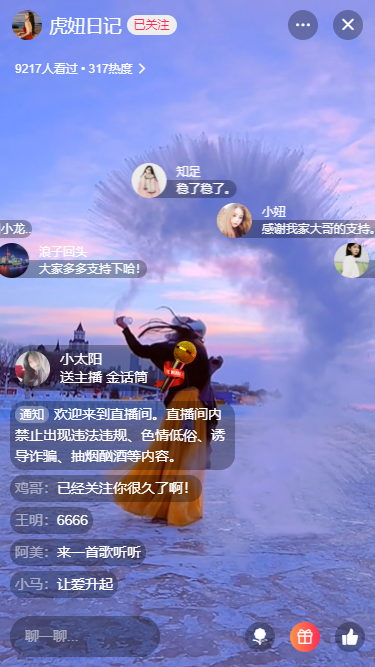
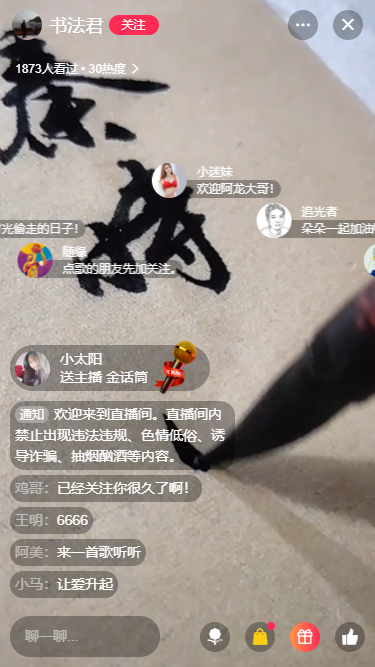
直播页则是新增了弹幕/滚动消息区/送礼物等功能,支持上下来切换直播。
<template>
    <div class="bg-161823">
        <!-- >>顶部NavBar -->
        <navbar :back="false" bgcolor="transparent" transparent>
            <template v-slot:title>
                ...
            </template>
            <template v-slot:right><div><i class="iconfont icon-search"></i></div></template>
        </navbar>

        <!-- >>主面板 -->
        <div class="vui__scrollview flex1">
            <div class="vui__swipeview">
                <!-- ///滑动切换区 -->
                <van-swipe ref="swipeHorizontalRef" :show-indicators="false" :loop="false" @change="handleSwipeHorizontal">
                    <van-swipe-item v-for="(item,index) in videoLs" :key="index">
                        <template v-if="item.category == 'nearby'">
                            <div class="swipe__nearLs">
                                ...
                            </div>
                        </template>
                        <template v-if="item.category == 'recommend' || item.category == 'follow'">
                            <van-swipe vertical lazy-render :show-indicators="false" :loop="false" @change="handleSwipeVertical">
                                <van-swipe-item v-for="(item2, index2) in item.list" :key="index2">
                                    <!-- ///视频模块 -->
                                    <div class="swipe__video">
                                        <video class="vdplayer" :id="'vd-'+index+'-'+index2" loop preload="auto"
                                            :src="item2.src"
                                            :poster="item2.poster"
                                            webkit-playsinline="true"
                                            x5-video-player-type="h5-page"
                                            x5-video-player-fullscreen="true"
                                            playsinline
                                            @click="handleVideoClicked"
                                        >
                                        </video>
                                        <span v-show="!isPlay" class="btn__play" @click="handleVideoClicked"><i class="iconfont icon-bofang"></i></span>
                                    </div>
                                    <!-- ///信息模块 -->
                                    <div class="swipe__vdinfo flexbox flex-col">
                                        <div class="flexbox flex-alignb">
                                            <!-- ///底部信息栏 -->
                                            <div class="swipe__footbar flex1">
                                                <div v-if="item2.ads" class="item swipe__superlk ads" @click="handleOpenLink(item2)">
                                                    <i class="iconfont icon-copylink fs-28"></i>查看详情<i class="iconfont icon-arrR fs-24"></i>
                                                </div>
                                                <div v-if="item2.collectionLs&&item2.collectionLs.length>0" class="item swipe__superlk">
                                                    <i class="iconfont icon-copylink fs-24 mr-10"></i><div class="flex1">合集《小鬼当家》主演花絮</div><i class="iconfont icon-arrR fs-24"></i>
                                                </div>
                                                <div class="item uinfo flexbox flex-alignc">
                                                    <router-link to="/friend/uhome"><img class="avatar" :src="item2.avatar" /></router-link>
                                                    <router-link to="/friend/uhome"><em class="name">{{item2.author}}</em></router-link>
                                                    <button class="btn vui__btn vui__btn-primary" :class="item2.isFollow ? 'isfollow' : ''" @click="handleIsFollow(item.category, index2)">{{item2.isFollow ? '已关注' : '关注'}}</button>
                                                </div>
                                                <div class="item at">@{{item2.author}}</div>
                                                <div v-if="item2.topic" class="item kw"><em v-for="(kw,idx) in item2.topic" :key="idx">#{{kw}}</em></div>
                                                <div class="item desc">{{item2.desc}}</div>
                                            </div>
                                            <!-- ///右侧工具栏 -->
                                            <div class="swipe__toolbar">
                                                ...
                                            </div>
                                        </div>
                                    </div>
                                </van-swipe-item>
                            </van-swipe>
                        </template>
                    </van-swipe-item>
                </van-swipe>
                <!-- ///底部进度条 -->
                <div class="swipe__progress"><i class="bar" :style="{'width': vdProgress+'%'}"></i></div>
            </div>
        </div>

        <!-- >>底部TabBar -->
        <tabbar
            bgcolor="linear-gradient(to bottom, transparent, rgba(0,0,0,.6))"
            color="rgba(255,255,255,.6)"
            activeColor="#fff"
            fixed
        />


        <!-- ……商品模板 -->
        <v3-popup v-model="isShowGoodsPopup" position="bottom" round xclose title="热销商品" @end="handlePopStateClose" opacity=".2">
            <div v-if="goodsLs" class="wrap_goodsList">
                ...
            </div>
        </v3-popup>

        <!-- ……评论列表模板 -->
        <v3-popup v-model="isShowReplyPopup" position="bottom" round xclose opacity=".2">
            <div class="nt__commentWrap">
                <!-- 评论列表 -->
                ...
            </div>
        </v3-popup>
        <!-- ……评论编辑器模板 -->
        <v3-popup v-model="isShowReplyEditor" position="bottom" opacity=".2">
            <div class="vui__footTool nt__commentWrap">
                ...
            </div>
        </v3-popup>

        <!-- ……分享模板 -->
        <v3-popup v-model="isShowSharePopup" anim="footer" type="actionsheet" round xclose opacity=".2"
            title="<div style='text-align:left;'>分享至</div>"
            :btns="[
                {text: '取消', style: 'color:#999;', click: () => isShowSharePopup=false},
            ]"
        >
            ...
        </v3-popup>
    </div>
</template>

<script>
/**
 * @Desc     Vue3.0实现小视频功能
 * @Time     andy by 2021-02
 * @About    Q:282310962  wx:xy190310
 */
import { onMounted, onUnmounted, ref, reactive, toRefs, inject, nextTick } from 'vue'

import CmtEditor from '@components/cmtEditor.vue'

import videoJSON from '@/mock/videolist.js'
import emojJSON from '@/mock/cmt-emoj.js'

export default {
    components: {
        CmtEditor,
    },
    setup() {
        // 定时器
        const vdTimer = ref(null)
        const tapTimer = ref(null)
        const swipeHorizontalRef = ref(null)

        const editorRef = ref(null)

        const v3popup = inject('v3popup')

        const data = reactive({
            // ...
        })

        onMounted(() => {
            swipeHorizontalRef.value.swipeTo(data.activeNav, {immediate: true})

            // ...
        })

        // ...

        // 垂直切换页面事件
        const handleSwipeVertical = (index) => {
            if(data.activeNav == 0) {
                // 附近页
                data.activeOneIdx = index
            }else if(data.activeNav == 1) {
                // 关注页
                data.activeTwoIdx = index
                // console.log('关注页索引:' + index)
            }else if(data.activeNav == 2) {
                // 推荐页
                data.activeThreeIdx = index
                // console.log('推荐页索引:' + index)
            }

            vdTimer.value && clearInterval(vdTimer.value)
            data.vdProgress = 0
            data.isPlay = false
            let video = getVideoContext()
            if(!video) return
            video.pause()
            // 重新开始
            video.currentTime = 0

            data.activeSwipeIndex = index

            // 自动播放下一个
            handlePlay()
        }

        // 播放
        const handlePlay = () => {
            console.log('播放视频...')

            let video = getVideoContext()
            if(!video) return
            video.play()
            data.isPlay = true

            // 设置进度条
            vdTimer.value = setInterval(() => {
                handleProgress()
            }, 16)
        }

        // 暂停
        const handlePause = () => {
            console.log('暂停视频...')

            let video = getVideoContext()
            if(!video) return
            video.pause()
            data.isPlay = false
            vdTimer.value && clearInterval(vdTimer.value)
        }

        // 视频点击事件(判断单/双击)
        const handleVideoClicked = () => {
            console.log('触发视频点击事件...')

            tapTimer.value && clearTimeout(tapTimer.value)
            data.clickNum++
            tapTimer.value = setTimeout(() => {
                if(data.clickNum >= 2) {
                    console.log('双击事件')
                }else {
                    console.log('单击事件')
                    if(data.isPlay) {
                        handlePause()
                    }else {
                        handlePlay()
                    }
                }
                data.clickNum = 0
            }, 300)
        }

        // 播放进度条
        const handleProgress = () => {
            let video = getVideoContext()
            if(!video) return
            let curTime = video.currentTime.toFixed(1)
            let duration = video.duration.toFixed(1)
            data.vdProgress = parseInt((curTime / duration).toFixed(2) * 100)
        }

        // ...

        return {
            ...toRefs(data),
            swipeHorizontalRef,
            editorRef,

            // ...
        }
    }
}
</script>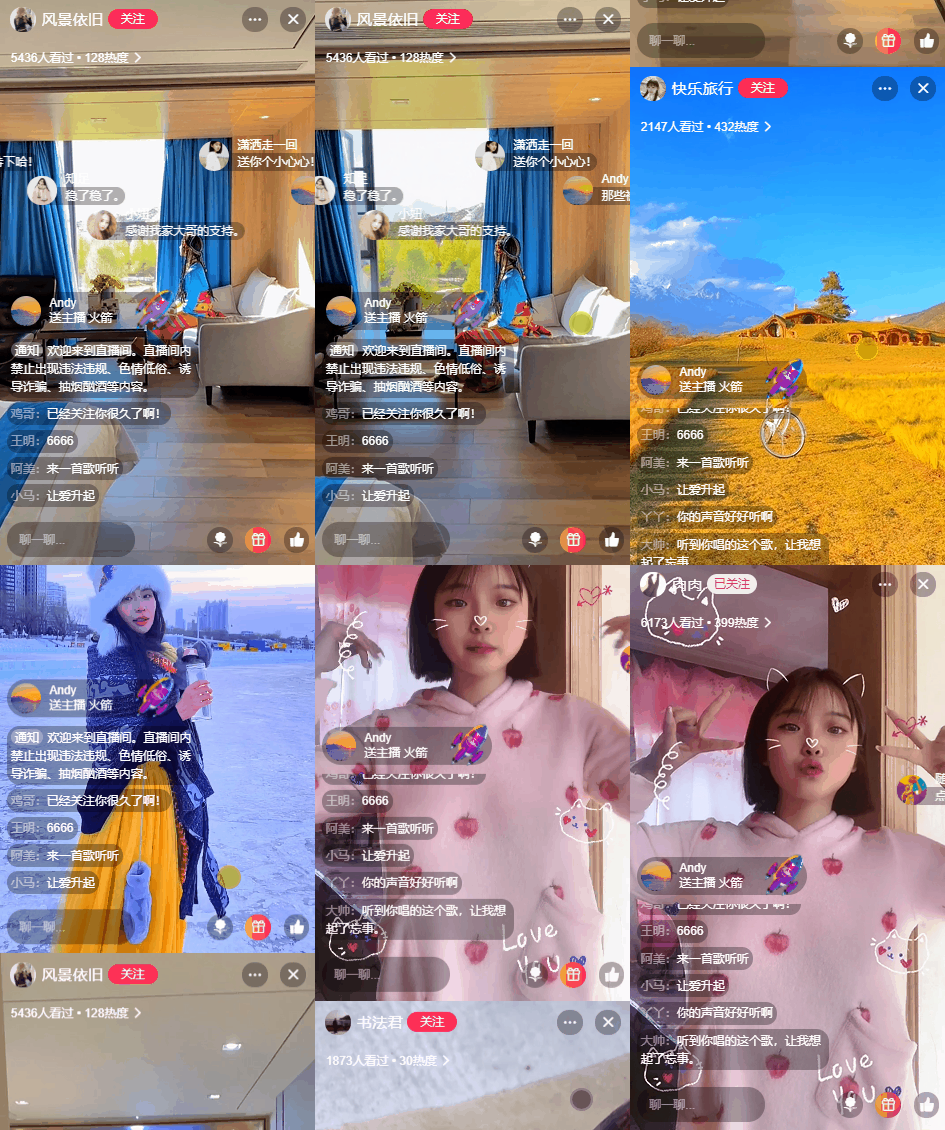
为了保证滑动的流畅性,开启延迟加载lazy-render属性,能大幅度提升性能。
ok,以上就是使用vue3.x+vant3来开发短视频+直播功能,希望大家能喜欢!
Vue3+ElementPlus仿制微信/微博web版聊天实例

0条评论